About Hidden Object: My Hotel
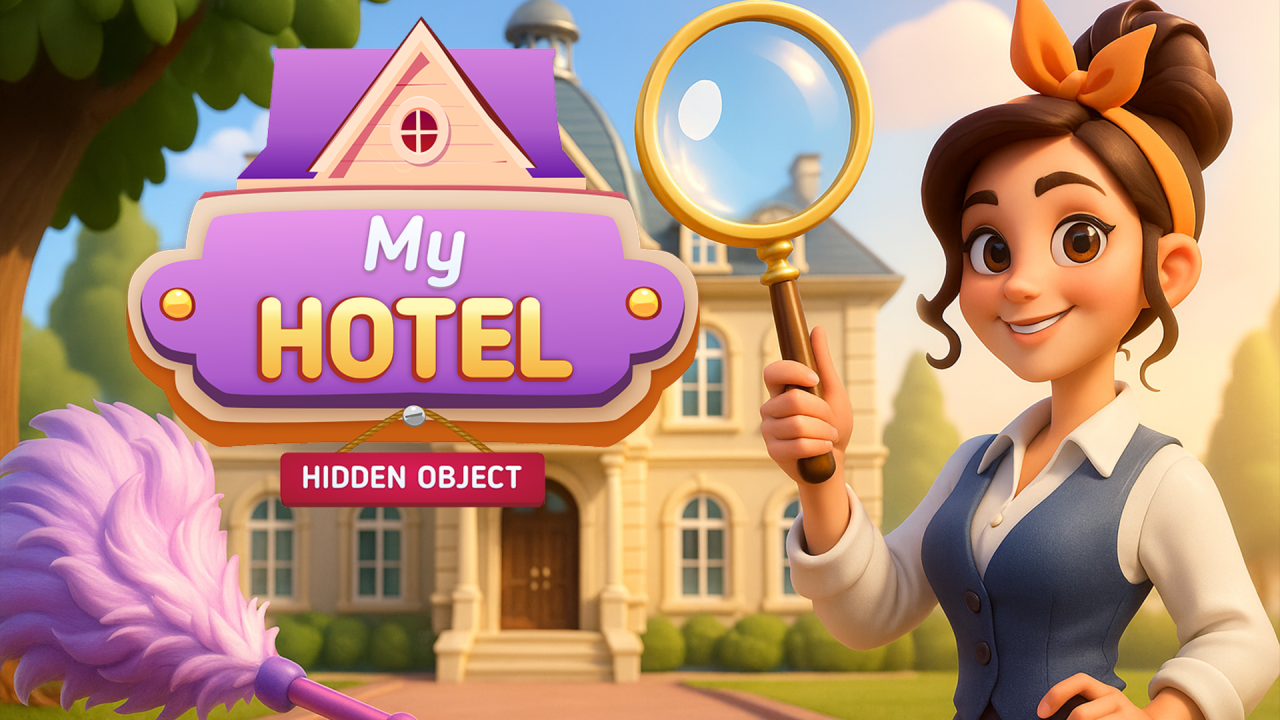
Hidden Object: My Hotel combines a seek-and-find puzzle with the restoration of an old building. The new owner has acquired a hotel full of cluttered rooms, and each scene asks you to locate misplaced objects before the property can regain its charm. The result is a visual search game with a clear setting and a reason to move from one room to the next.
Every location presents a list of targets among furniture, decorations, food, tools, and other everyday items. Hidden Object: My Hotel supports horizontal movement, zoom, and hints, so progress depends on covering the whole room carefully rather than repeatedly selecting the most crowded part of the picture.
Start at the hotel entrance
After the opening letter, the tutorial points to a padlock on the front doors. Select it to move the counter from 0/6 to 1/6. Look at the item strip below the scene before picking your next target.
Searching a cluttered hotel room
Start with the target list and choose the item with the most recognizable shape. A bicycle, bottle, bone, piece of fruit, or hat has a different outline even when its color blends into the background. Finding one distinctive object also reduces the list and gives you fewer shapes to remember during the next scan.
Divide the room by structure. Check the reception counter, shelves, furniture edges, floor, walls, and decorative clusters as separate zones. Hidden Object: My Hotel becomes easier to read when you finish one area before moving to another instead of jumping between unrelated details.
Panning and Zooming Without Losing Your Place
Rooms can extend beyond the initial view. Drag left or right with the mouse on desktop, or swipe on mobile, until you have inspected both ends. Use a landmark—such as a doorway, large cabinet, or reception desk—to remember where one search section ends and the next begins.
Zoom helps when a small target overlaps furniture or shares an outline with the decoration. On desktop, use the mouse wheel; on mobile, pinch the screen. Return to a wider view after checking the detail. Remaining fully zoomed in can hide useful context and make you revisit areas that were already cleared.
Hints and Difficult Final Objects
The hint control identifies an item that remains difficult to spot. Before using it, compare the last target with the edges of visible furniture, pan to both boundaries, and inspect places where objects overlap. If the room still appears empty, activate the hint and study why the item escaped notice.
That observation is useful beyond one scene. A target concealed beside a similar-colored chair teaches you to check color camouflage; one partly covered by another object teaches you to focus on incomplete silhouettes. Hidden Object: My Hotel rewards learning these hiding patterns as the restoration moves into new rooms.
Restoring the Hotel Through Search Levels
Clearing a scene supports the wider goal of bringing the hotel back into order. The renovation theme connects the rooms, but the active challenge remains visual: read the list, search the complete location, select each matching object, and finish the current set. New areas provide different furniture and clutter arrangements rather than asking you to repeat one fixed picture.
Hidden Object: My Hotel Tips
- Choose the target with the clearest silhouette before tackling generic small objects.
- Search counters, shelves, walls, and floors as separate zones.
- Pan all the way to both room edges before assuming an item is missing.
- Zoom into overlapping furniture, then restore the wide view before moving.
- Use a fixed landmark to avoid searching the same section twice.
- After a hint, remember the camouflage technique and apply it in later rooms.
Game Information
Hidden Object: My Hotel was developed by DRA. It is a single-player portrait game for desktop, Android, and iOS, with an English interface. The current official listing records an August 2025 release and a June 2026 update. No in-game purchases are listed.
For a similar search with a mystery theme, try Hidden Object: Clues and Mysteries, or browse Puzzle Games.