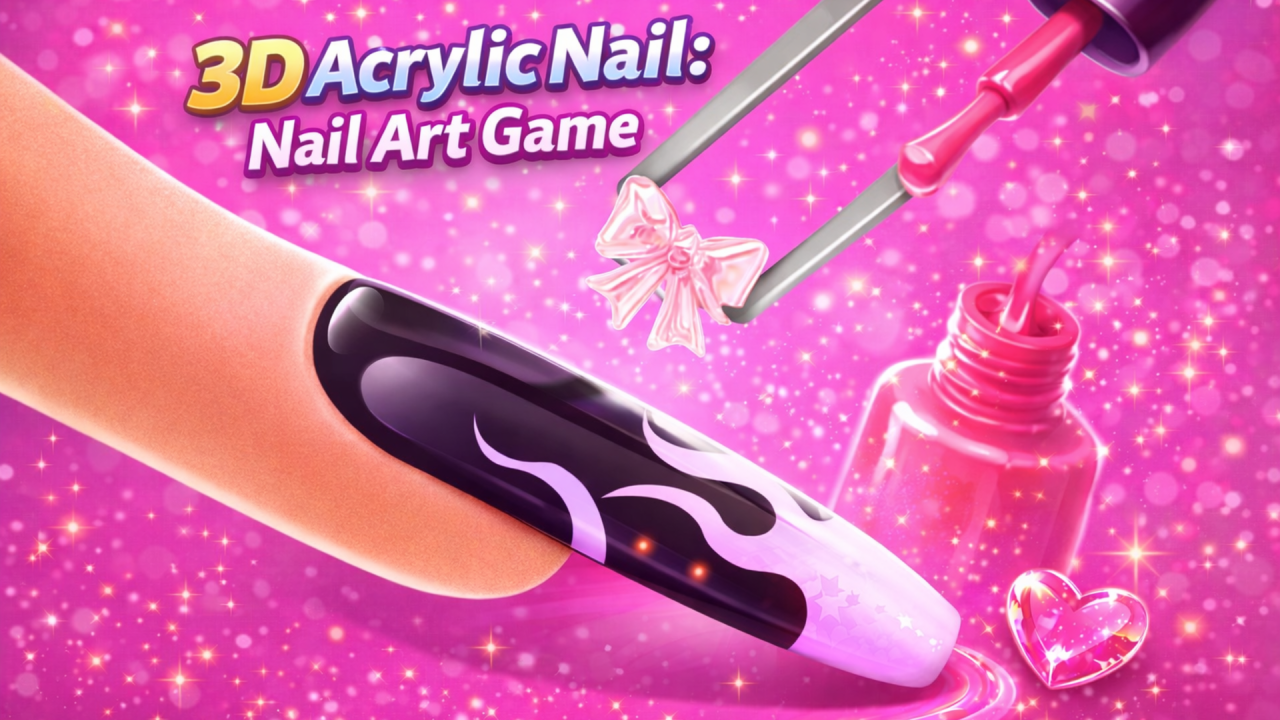
About 3D Acrylic Nail: Nail Art Game
3D Acrylic Nail puts the nail itself at the centre of the salon work. The opening scene shows one finger on a pink work surface, a long numbered nail form and a brush beside a pot of acrylic material. Dragging the brush over the form builds the extension in front of you. It is a useful first lesson: shape the base carefully before thinking about the finished color and decorations.
Start with the numbered form
The narrow guide beneath the fingertip is marked from 1 to 5. Use those marks as a reference for where the extension is taking shape. In our opening session, moving the brush down the form left visible acrylic near the fingertip and along the guide. That makes the current tool and the part of the nail it touches more useful to watch than the background salon.
On desktop, hold the mouse button and drag to move the active tool. On mobile, keep your finger on the tool and drag through the indicated area. A short, deliberate pass is easier to inspect than moving quickly across the whole screen. Follow the current on-screen stage before trying to select a different tool.
Build a base you can decorate
Watch the edge of the material as you work. Aim for a clear shape along the form, then follow the next prompt when it appears. The opening brush step is about applying material; it is not a reason to hunt for a polish menu before the nail is ready. A file is also visible beside the work area, so keep track of which tool the game currently asks you to use.
The wider salon loop includes customer design requests, colors, patterns and charms. Read the request before making those choices. Break it into a base style, a main color and a finishing detail, then compare each selection with that plan. A decorative accessory will not fix a base color that misses the brief.
Keep the finishing choices readable
Add details where they can still be seen. A pattern and a charm should work with the base rather than hide it. Change one element at a time and look at the nail before continuing; otherwise it becomes difficult to tell which choice improved the result. When a customer asks for a particular look, use that request to decide when the design is finished.
Customer earnings support salon improvements such as tools and decor. Check what an upgrade changes before spending, and favor an option that helps with the designs you want to make next. Keep enough attention on the next request to choose an improvement for a reason instead of buying the first visible option.
Bravestars developed this single-player game, which supports desktop and mobile play with an English interface. If you like the ordered use of salon tools, Animal Hair Salon offers a washing-and-styling routine around a cartoon pet. For choosing colors over a wider surface, DIY Phone Case Maker lets you layer sprays on a case. More management and creative activities are in the Simulation Games collection.