About Pool Shoot Tournament
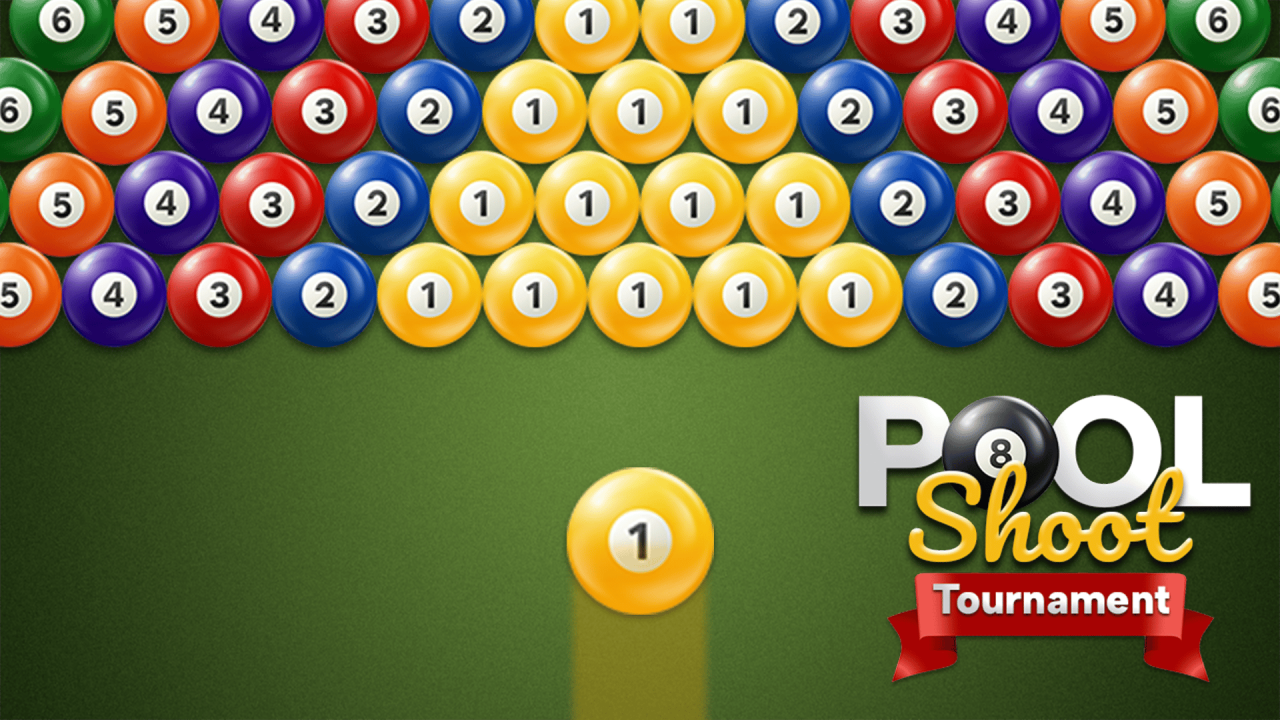
Pool Shoot Tournament turns a board of numbered balls into a compact aiming challenge. Red, yellow and green balls fill the upper part of the portrait playfield, while five scoring pockets sit below them. Draw a route with the dotted guide, release a ball into the field and watch how the collisions change the board and your score. The opening screen gives you plenty to read before the first shot: the ready ball, a five-shot indicator, a combo counter and the pocket values.
Aim into the board, then watch the return
The launcher sits below the pockets. Click and drag in the clear lower play area to change the dotted trajectory, then release to shoot. On a phone, use the same press, drag and release gesture with your finger. The guide shows the outgoing direction; it is not a promise that every ball will follow that line after a collision. Aim changes are easiest to judge while the ball is still waiting in the launcher.
During our desktop round, a shot sent a green 6 into the numbered field. Balls moved through the open space, the combo display changed to X1 and the score eventually reached 200. On the mobile-sized board, releasing the aiming gesture also launched the red 3. Those are useful reminders to let the movement finish before deciding whether an angle worked.
What the five pockets tell you
From left to right, the pocket labels read 50, 100, 250, 100 and 50. The centre offers the largest displayed value, but a route into the upper board still has to survive contact with other balls. Choose a clear entry point first and compare where the balls actually fall. Aiming straight up at the middle label does not remove the obstacles above it.
The balls carry visible numbers such as 1, 3 and 6. Check the ready ball before each release, and keep the score and combo displays in view when the board settles. The opening shot indicator reads five; it is separate from the score, so do not confuse the number beside the lower icon with points already earned.
Make each adjustment deliberate
- Move the dotted guide slowly; a small change near the launcher becomes a wider change higher up.
- Watch the first contact with the packed field, not just the pocket you hope to reach.
- Wait for moving balls to settle before comparing the result with your previous shot.
- Use the pause icon at the top when you need to stop and inspect the screen.
If you enjoy learning an aim through its scoring feedback, Darts Pro gives you a numbered board with a more direct target. For the rhythm of lining up a shot and watching the result play out, try Super Bowling Mania. Pool Shoot Tournament keeps the extra complication of a crowded field between your launch and the scoring pockets. More quick challenges are in our Action Games collection.