About Find the Frog – Hidden Objects
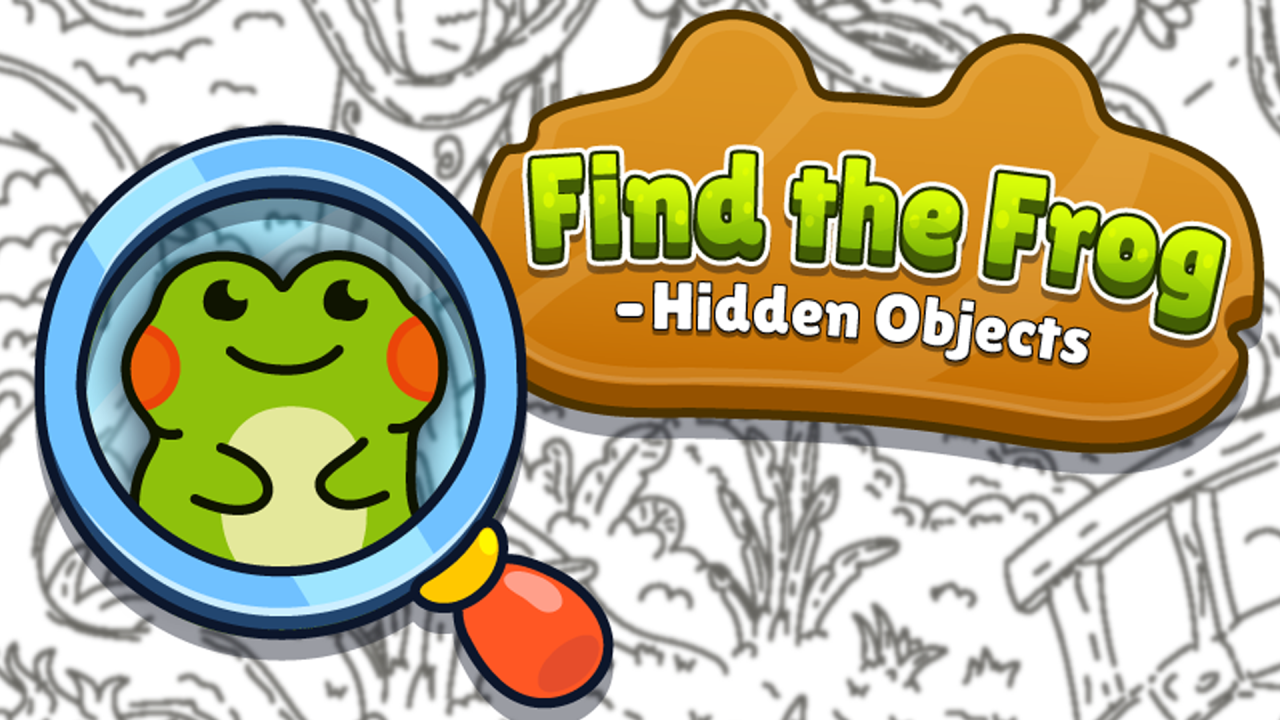
Find the Frog – Hidden Objects is a quiet picture-search puzzle. In the opening forest and pond, the tutorial circles a frog drawn in black and white. Select it and it turns green. After that first find, scan the uncoloured shapes rather than looking for green: colour marks a frog you have already found.
Search the pond in sections
Divide the picture into banks, water and trees. Look along the edges of leaves and stones, where a curved outline can blend into the scenery. Check for a rounded body or a pair of eyes before selecting. Once a frog turns green, move on to an area you have not checked.
Avoid random attempts
The provider’s in-game help warns that incorrect selections cost one of three lives, so rapid trial clicking is a poor opening strategy. Pause when an object merely resembles a frog and look for recognisable features such as eyes, a rounded body or legs. We confirmed one successful first-scene selection, but did not intentionally test wrong selections, level completion, life loss, hints or later difficulty.
Build a route through the worlds
The game listing describes themed locations with three levels per world and a frog collection that grows as worlds are completed. Treat that as a longer-term goal rather than a promise about the first minute: start by learning how the picture hides one frog, then carry that visual routine into each new scene. The available help also mentions a Magnifying Glass for difficult searches; it was not used in this check.
Search for objects as well as frogs
Hidden Object: Clues and Mysteries offers a different visual challenge: instead of looking for variations of one animal shape, you scan scenes for different objects.
Game information
Find the Frog – Hidden Objects is listed for desktop and mobile, in portrait and landscape, with English and Russian interface options and in-game purchases disclosed. A desktop session reached the live opening scene and confirmed one frog selection. A compact mobile-size check also loaded the player and opening scene. Browse more visual search games in Puzzle Games.
For a search based on an item list rather than one animal shape, try Hidden Object: My Hotel. The Playgama listing for Find the Frog describes its themed worlds and frog collection.