About Pop It Master
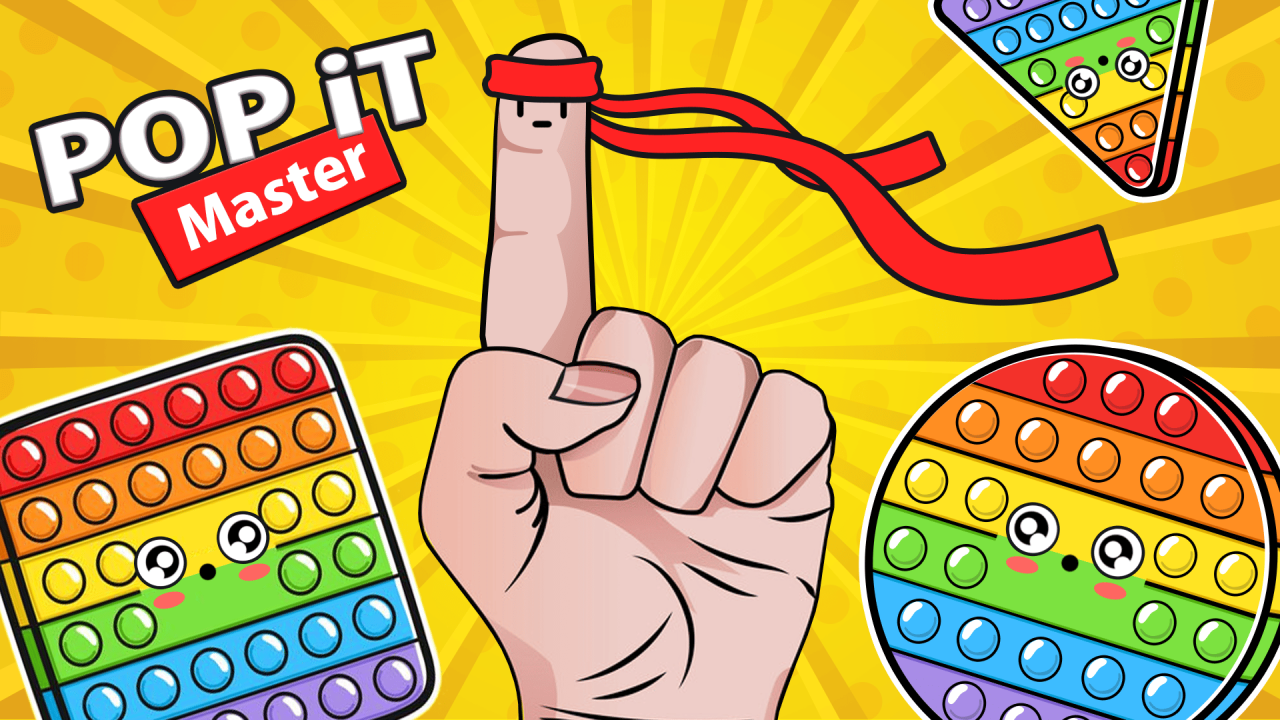
Pop It Master turns the familiar press-and-release motion of sensory toys into a relaxed collection game. Each board has its own shape, color pattern, and arrangement of raised bumps. Your immediate goal is simple: press every bump that is still raised so the current toy can close and the next design can open.
The full collection contains 150 Pop It and Simple Dimple toys. Progress comes from finishing one design after another rather than learning a complicated rule set. The challenge is observation: one missed bump—especially near the edge of an unusual shape—can keep the current board from completing. That makes careful scanning more valuable than clicking at random.
How Progress Works in Pop It Master
Treat each toy as a visual checklist. Start at one side, press each raised bump, and continue in a clear path until you reach the opposite edge. The shapes and spacing change between toys, so the same route will not always fit perfectly. What matters is keeping a consistent order that lets you remember which area you already cleared. When every bump is down, the board completes and the next toy becomes available.
Every completed board moves you one step farther through the 150-item collection. Finishing the complete set unlocks Secret Mode. This gives the simple popping loop a longer objective: you can clear a few designs during a short session, then return later and continue working toward the remaining toys and the hidden mode.
Score Competition and Collection Goals
Pop It Master also records how many bumps you press for a score-based competition. That counter rewards continued play, but it is separate from clearing the current board. The game is not presented as a live room or a direct real-time multiplayer match. A practical approach is to prioritize complete boards first; the bump total will grow naturally while you advance through the collection.
Playing Pop It Master on PC and Mobile
On PC, point directly at a raised bump and left-click once. On a phone or tablet, use a deliberate single tap. The game supports desktop and mobile play, portrait and landscape orientation, and an interface available in 15 languages, including English and Spanish. A larger screen makes the entire shape easier to scan, while mobile play rewards slower taps around small or tightly packed bubbles. Changing orientation can also make an unusually wide or tall toy easier to inspect.
When a Pop It Master Board Looks Stuck
If the next toy does not appear, the current shape probably still contains one raised bump. Stop pressing the center repeatedly and inspect the outline first. Rounded corners, narrow extensions, and isolated bubbles are the easiest places to overlook. Compare the surface of each remaining bump with the ones already pressed, then make one precise click or tap. A methodical second pass is faster than sweeping randomly across the board.
Useful Pop It Master Tips
- Follow a consistent path across each toy, such as left to right, so isolated bumps are easier to spot.
- Check the outer edges before assuming a board is complete; unusual shapes can place bumps away from the main group.
- On small screens, use deliberate taps instead of moving too quickly across tightly packed areas.
- Finish the current board before concentrating on the total score, because complete toys also advance the collection.
- If the next toy does not open, scan the current shape again for one bump that still looks raised.
Who Made Pop It Master?
Pop It Master was created by RAD BROTHERS. The studio maintains an official Pop It Master game page with developer information and updates. Prefer a touch-friendly game that adds more planning? Piece of Cake: Merge & Bake shifts the focus to combining ingredients and restoring a café. The All Games page collects the rest of the reviewed MubiGames library.