About Golf Orbit
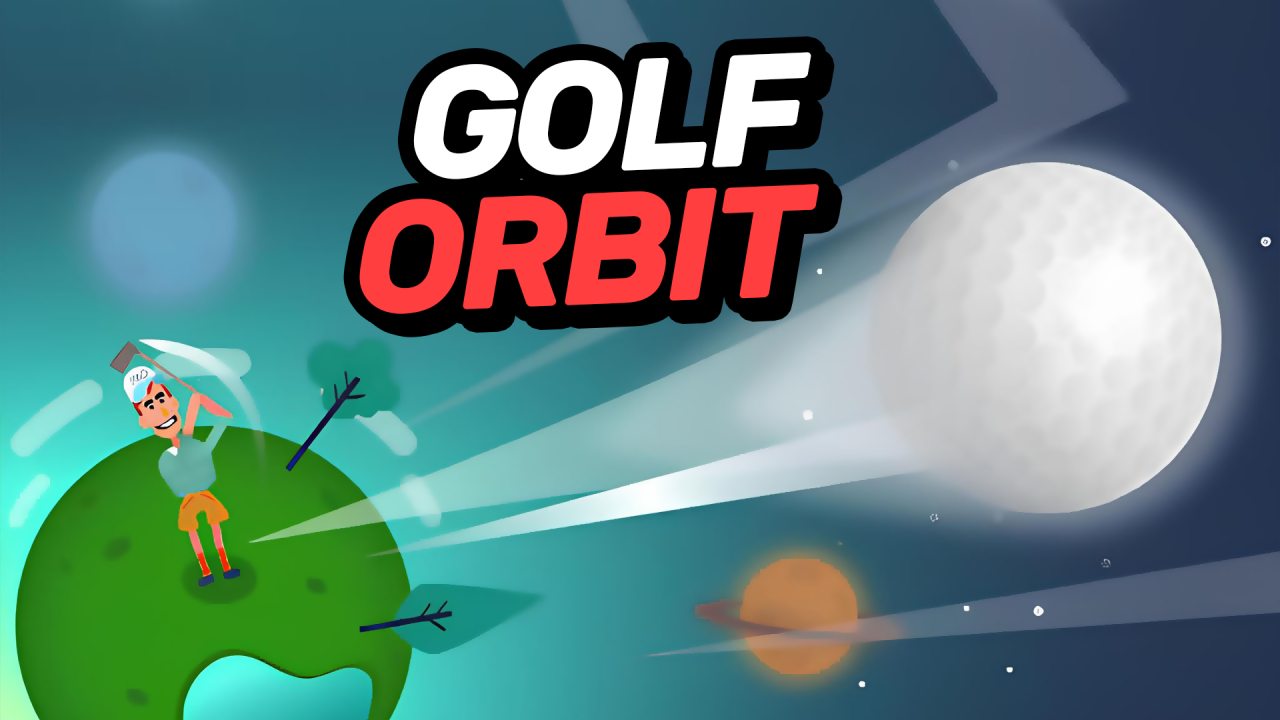
Golf Orbit turns a golf swing into a timing-and-distance challenge. Instead of walking a traditional course, you prepare one powerful shot, release at the right moment, and watch the ball travel across a landscape filled with slopes, trees, rocks, buildings, water, and bunkers. Every attempt provides a clear result: distance gained, obstacles encountered, and a new chance to improve the next swing.
The control is simple, but Golf Orbit asks you to coordinate power with the moving indicator. Releasing inside the strongest green section produces a better launch than letting the marker pass it. Consistency matters because a slightly different release can change the entire flight and landing.
Timing the Power Indicator
Press and hold to begin setting the shot, then focus on the power display rather than the ball. Release when the marker reaches the target section. Do not react to the color too early; wait until the moving part actually enters the zone. A calm release is more reliable than clicking repeatedly.
If an attempt falls short, decide whether the problem was timing or progression. A visibly weak release should be corrected before spending upgrade currency. When the indicator was accurate but the distance still lacks reach, an improvement to shot attributes may provide the next useful gain.
Using Green Zones and Landing Areas
A green landing zone can extend the attempt with another shot, while the hole remains the main target. Look at the terrain before swinging and identify the largest useful area in the ball’s likely path. Reaching a safe green section can be better than forcing a direct line through several obstacles.
Water and sand can stop useful progress, so distance alone is not always the correct goal. In Golf Orbit, a long shot that finishes in a hazard may be less valuable than a controlled landing that keeps the run moving. Use previous attempts to remember where dangerous areas begin.
A bunker can end the shot and still pay out coins. Choose Collect to take the displayed reward and get back to the tee. The optional Triple button shows a video icon.
Understanding Bounces and Obstacles
The ball can contact trees, rocks, buildings, and other parts of the environment. Some impacts add an unexpected bounce, while others reduce momentum or block the intended route. Watch the full flight instead of skipping attention after launch. The landing sequence shows which object affected the result.
A well-timed powerful shot can handle obstacles more effectively. However, Golf Orbit still rewards placement. If the same object repeatedly stops the ball, improve the release timing, build more power, or aim for a flight that clears the obstacle rather than relying on a lucky bounce.
Coins, Distance, and Shot Upgrades
Coins collected during flight support improvements to strength, speed, bounce, and related shot abilities. Upgrade with a purpose. Power helps the launch, speed affects travel, and bounce can extend movement after landing. When one phase of the shot clearly limits progress, prioritize the related attribute instead of dividing rewards without a plan.
Distance records make comparisons straightforward. Test an upgrade over several swings because one mistimed release can hide its benefit. The reward wheel and smaller quests can provide extra resources, but accurate shot timing remains the foundation.
Golf Orbit Tips
- Watch the indicator and release only after it enters the strongest section.
- Separate a timing mistake from a weak upgrade before spending coins.
- Prefer a reachable green landing area when water or sand blocks the direct route.
- Observe the complete bounce sequence to learn which obstacles help or hurt.
- Improve the attribute connected to the weakest phase of your current shot.
- Compare several swings after an upgrade rather than judging one attempt.
Game Information
Golf Orbit was developed by TapNation. It is a single-player landscape sports game for desktop, Android, and iOS. The interface supports English, German, Spanish, French, Italian, and Portuguese. The current listing records a January 2026 release and a June 2026 update. No in-game purchases are listed.
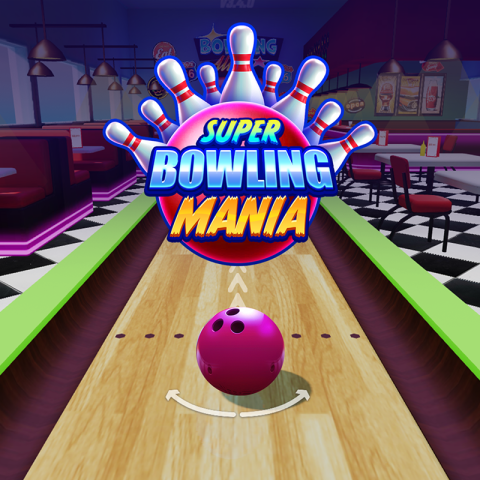
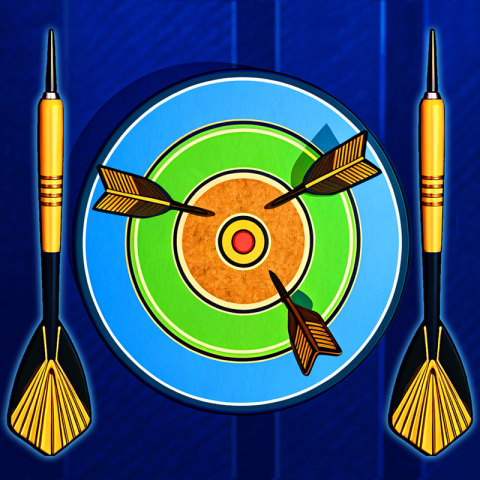
If you enjoy finding the right moment to release, Darts Pro gives you a smaller target and a score to beat. Super Bowling Mania adds another variable: where the ball starts on the lane.