About Soccer Dash
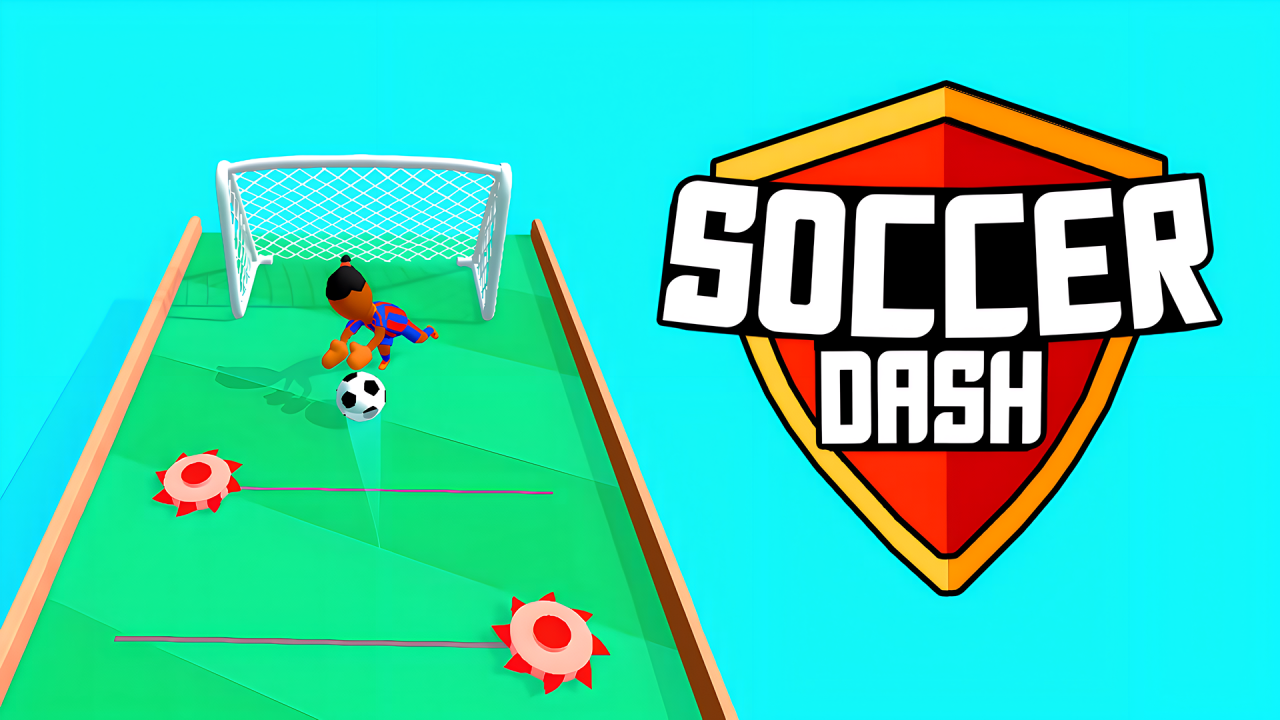
Soccer Dash replaces a full match with a sequence of carefully aimed kicks. The ball travels along narrow floating pitches where defenders and the goalkeeper block the direct route. Drag to choose a direction, release the shot, and guide the ball from one safe position to the next until the goal comes into range.
In our controlled desktop-browser check, the title screen and level selector both responded correctly. Level 1 opened after the provider pre-roll, and repeated drag-and-release inputs sent the ball forward and diagonally through the course toward the goal. This confirms the directional kick-and-advance loop, although we did not claim a completed goal or test every level.
Plan each kick before releasing
The ball stops between attempts, giving you time to inspect the lane ahead. Look for the next defender, the width of the platform, and the position of the goal. A straight kick is useful when the center is open, while a diagonal angle can move the ball around a player who is standing in the direct path.
The supplied instructions state that dragging slows the action while you choose the kick direction. Use that pause to trace a line with enough clearance on both sides. Releasing quickly without reading the next obstacle can leave the ball directly in front of a defender.
Move through the course in stages
There is no need to reach the goal with one enormous shot. Shorter kicks let you stop in open space, view the changed camera angle, and select a safer route for the next attempt. During our check, one forward kick advanced the ball along the lane and a later diagonal kick moved it around the next blocking position.
Think of every resting point as a new puzzle. The course may rotate or change perspective as the ball advances, so do not assume the previous direction still points exactly toward the goal. Recheck the visible boundaries before dragging again.
Avoid defenders and narrow edges
Defenders occupy space even when the path appears wide from a distance. Aim beside them with a margin for the ball’s travel rather than trying to skim directly past a foot. A cautious angle can preserve the run and produce a clearer follow-up shot.
The floating pitch also punishes shots that drift too far toward the edge. Longer diagonal kicks create more opportunity for an error to carry the ball outside the playable strip. When the safe channel is small, use a shorter movement to improve the next angle.
Approach the goalkeeper with a clear lane
Near the final area, separate the problem into positioning and finishing. First move the ball to a place where the goal opening is visible without a defender directly in front. Then choose the final direction around the goalkeeper instead of forcing a shot through the busiest part of the goalmouth.
A failed approach can come from the route taken several kicks earlier. If the final angle is consistently blocked, adjust the preceding shot so the ball arrives from the other side. Better setup often matters more than adding power.
Soccer Dash tips
- Inspect the next defender and both pitch edges before dragging.
- Use short kicks when you need a safer camera angle or position.
- Aim diagonally around blockers instead of directly through them.
- Recheck the direction after the course perspective changes.
- Set up a clear final lane before attempting the goal.
Game information
Soccer Dash is a single-player sports skill game for desktop, Android, and iOS. The supplied catalog supports portrait and landscape layouts, lists English as the interface language, and states that there are no in-game purchases. Our check covered the title screen, level selection, the start of Level 1, and multiple forward and diagonal desktop kicks; a confirmed goal, later levels, World Cup mode, and fullscreen were not exercised in that desktop session.
When you want a different challenge after planning kicks around defenders, browse the currently playable games on MubiGames. The catalog includes arcade movement and quieter puzzles while more sports games are prepared.