About Darts Pro
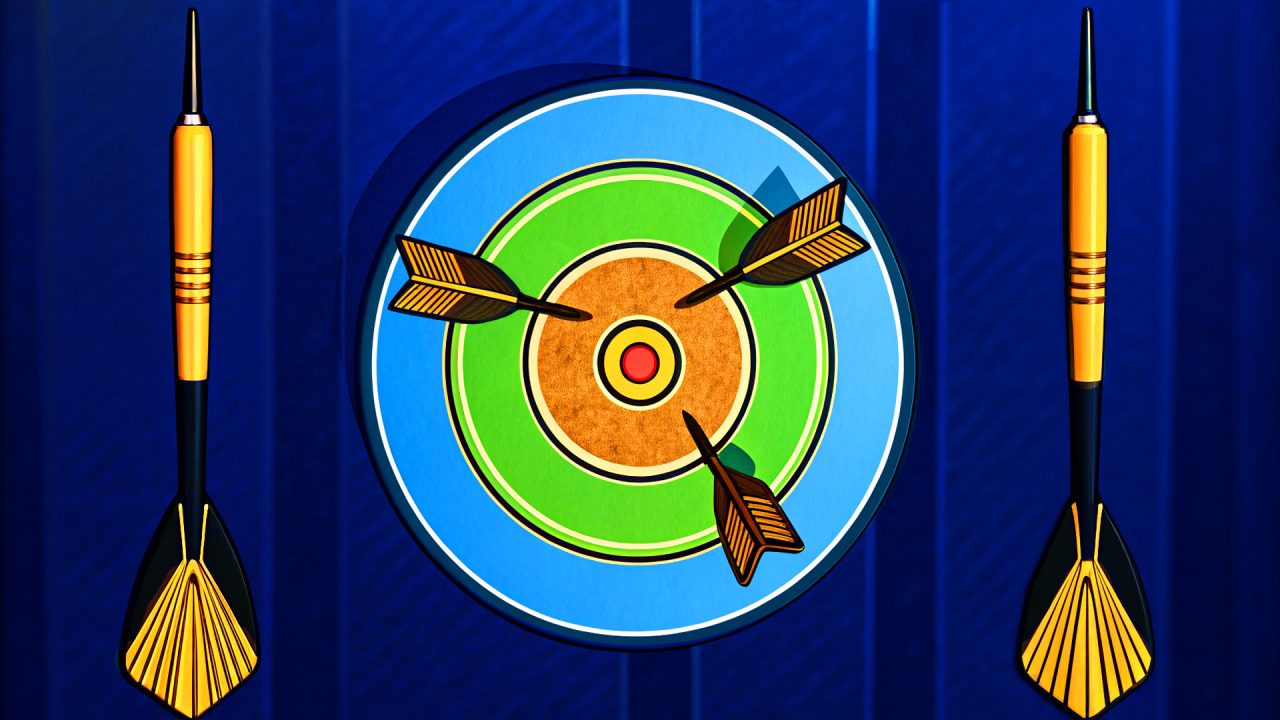
Darts Pro turns a familiar dartboard into a compact score challenge. You choose a point on the board, steady the throw, and try to make a limited set of darts count. The outer rings are easier to reach, while the small central zones reward more accurate timing and positioning.
During our controlled desktop-browser check, the title screen opened correctly and a new round began with the dart supply visible. One completed throw scored 25 points, and both the current score and best score changed to 25. This confirms the main aim-and-score response; bonus effects and a complete round were outside that recorded desktop session.
Set the target before throwing
Begin by deciding which part of the board offers a sensible balance between value and difficulty. The center promises a stronger reward, but a slightly wider ring gives more space for an imperfect release. Moving the aim repeatedly at the last moment can make a simple throw harder than it needs to be.
The round we observed presented an aiming and power sequence before the dart landed. Use that short setup to settle on one target rather than chasing the pointer around the board. A controlled attempt at a reachable ring is usually more useful than an uncertain shot at the smallest center area.
Read the rings and visible values
The board uses marked scoring areas, including values visible during our check such as 10, 25, 50, and 100. Treat those numbers as a risk ladder: larger zones can support a steady total, while the tighter high-value areas demand greater precision.
After a dart lands, look at the updated score before planning the next throw. That feedback tells you whether the chosen aim and release produced the expected result. If several throws are drifting to one side, correct gradually instead of making a large change that sends the next dart across the board.
Manage the limited dart supply
The remaining-dart icons make every attempt part of the same round. Early throws are useful for learning how the aiming motion responds, but they still consume the available supply. Make a small adjustment after each result and keep the next target realistic.
A steady sequence of medium-value hits can build a better total than alternating between one ambitious shot and several misses. As the final darts approach, compare the score already earned with the risk of changing your method. Consistency becomes more valuable when there are fewer chances to recover.
Bonus symbols and careful experimentation
The supplied game instructions mention bonus symbols on the board. They may offer extra rewards, but their complete behavior was not exercised in our check. Aim for one only when its position fits a throw you can already control; forcing a difficult angle for an uncertain bonus can reduce the round score.
Use ordinary scoring zones to learn the input first. Once the relationship between aim, power, and landing point feels predictable, experimenting with smaller targets becomes a more informed choice.
Darts Pro tips
- Choose one scoring area before starting the throw sequence.
- Use early results to make small corrections rather than dramatic changes.
- Watch both the score and remaining darts after every attempt.
- Prefer repeatable medium-value hits while learning the controls.
- Treat bonus symbols as optional targets until their timing feels manageable.
Game information
Darts Pro is a single-player sports and skill game for desktop, Android, and iOS. It uses a horizontal layout, its supplied interface language is English, and the catalog states that it has no in-game purchases. Our check covered the title screen, the start of one desktop round, one scoring throw, and the score and best-score response; bonus effects, fullscreen, and a complete round were not exercised in that desktop session.
If you enjoy adjusting a release after each attempt, Super Bowling Mania gives you a lane and a versus-round goal, while School Of Basketball asks you to judge the ball’s arc with a limited Arcade supply. For a different pace, browse the playable MubiGames catalog.