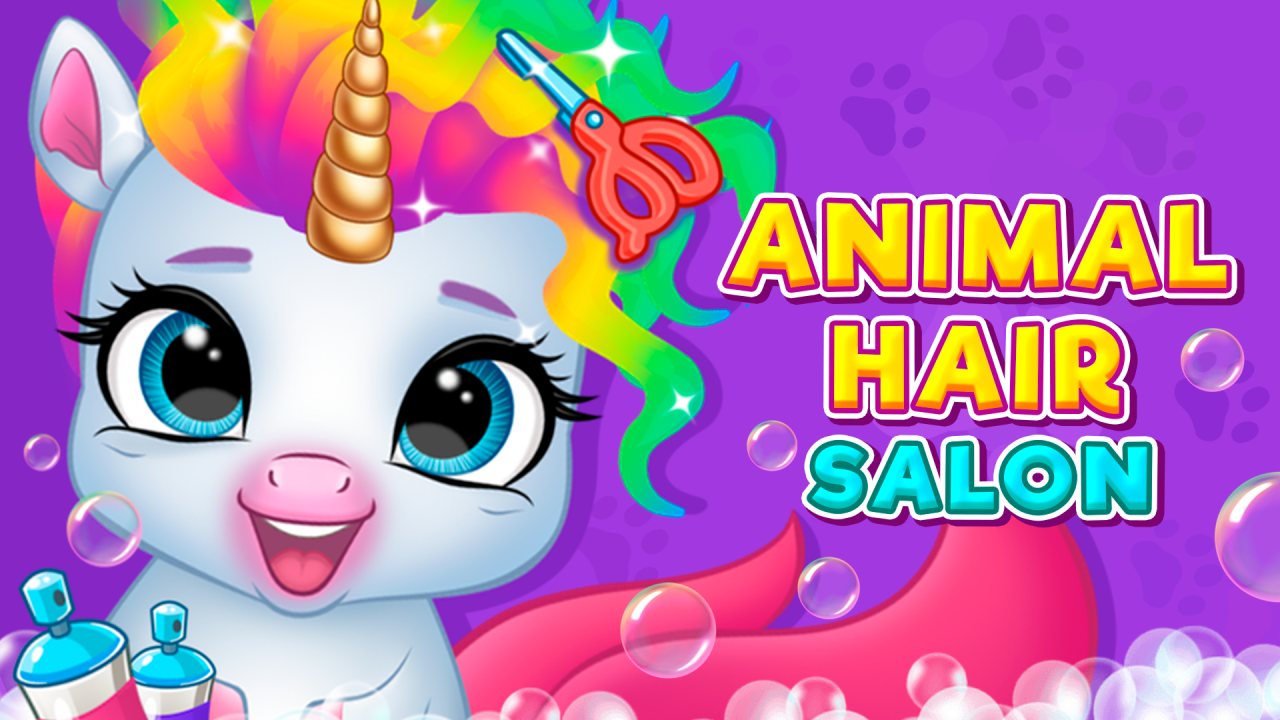
About Animal Hair Salon
Animal Hair Salon puts a scruffy cartoon pet in your salon chair and lets you work through its makeover with washing, drying and styling tools. The useful part is seeing how each tool changes the animal: select an item from the bottom row, apply it to the hair, then decide whether to keep working or move to another stage.
Which pet can you start with?
The selection screen includes a unicorn, a cat and a squirrel. In our fresh session, the unicorn opened the salon while the coin balance was zero. The cat showed a five-coin label and the squirrel showed fifteen. Start with the available character rather than assuming every pet requires coins before you can play.
The earlier desktop session also encountered a coin confirmation and an optional reward offer. A locked animal is a selection restriction, not evidence that the grooming tools are broken. You do not need to accept an optional reward just to understand the first care stage.
Shampoo and rinse before reaching for another tool
The opening salon has shampoo, a shower head, a hair dryer and a towel along the counter. Selecting shampoo and applying it to the unicorn’s hair produced visible bubbles in our check. Selecting the shower and using it on the hair then showed water and changed the tall, spiky hairstyle into wet strands hanging over the face.
That feedback gives you a clear sequence to follow: apply the care product, rinse, and then choose a drying item. Work over the hair instead of repeatedly pressing the tool icon. If the appearance has not changed, check whether you selected the item and then used it on the pet.
Separate changing stages from finishing
The large arrows beside the tool row move between makeover stages. The checkmark near the mirror is a separate finish control. Look at the animal before confirming; an arrow and the checkmark are not interchangeable shortcuts. The stage you are viewing determines which set of tools is available.
Keep the first visit manageable: learn one tool’s effect before trying another. Later styling and accessory choices can wait until you recognize the wash-and-dry routine. A short visit does not need to become a race through every available option.
Playing on desktop and mobile
Animal Hair Salon is a single-player game for desktop, Android and iOS, with a landscape layout and an English interface. Use the mouse to select and apply tools on desktop; on a phone, select with a tap and work on the hair with touch. The separate control tables below identify the stage arrows and finish button. Our compact follow-up checked the first care interactions, not a completed makeover or every later tool.
For another makeover without caring for an animal, try DIY Phone Case Maker: its creative decisions center on color and spray size instead of washing hair. You can browse the All Games collection for a different kind of short session.
The same habit of watching the active tool helps in 3D Acrylic Nail. Its opening brush step builds material along a numbered nail form before the finishing choices. It is a different salon task for players who enjoy changing an appearance through a sequence of hands-on tools.