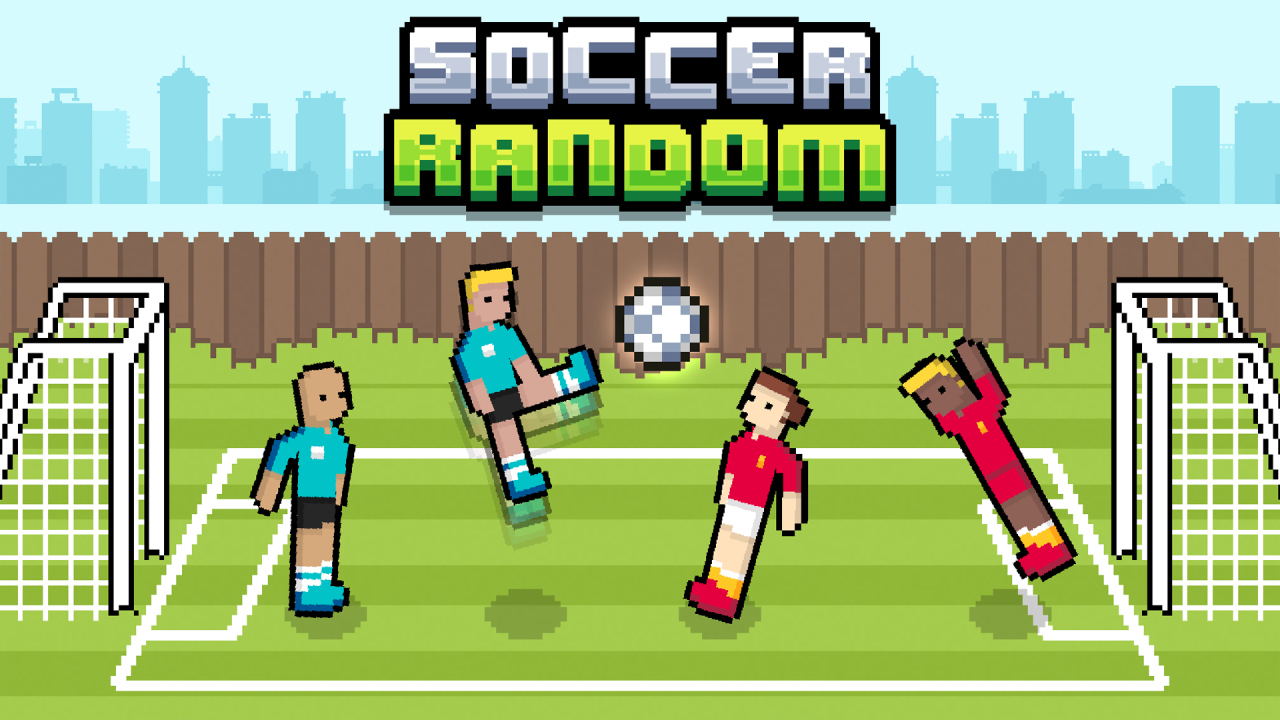
About Soccer Random
Soccer Random reduces a football match to one action button per player, then lets physics turn that simple input into jumps, kicks, blocks, and awkward falls. You cannot select a separate pass or shot. Instead, the timing of each press determines whether your players meet the ball cleanly, protect the goal, or leave space for the opponent.
The field and match conditions can change after a goal, so a successful rhythm may not work in the next round. Soccer Random is easy to start but asks both players to adapt quickly to new character positions, ball behavior, and surfaces.
What the One-Button Control Does
Pressing the action key makes the active side jump and attempt to interact with the ball. The same movement can become an attacking kick, a defensive clearance, or a missed challenge depending on position. Watch the players’ feet and the ball’s path rather than pressing continuously.
A late press may allow the ball to pass underneath, while an early jump can send your player over it. Wait until the ball enters a reachable area, then commit. Because movement has momentum, the result continues after the key is released.
Defending Without a Dedicated Goalkeeper Button
When the ball moves toward your goal, use the action to place a body or foot in its path. A strong defensive touch does not need to score immediately; clearing the ball toward the center gives your side time to recover. Avoid jumping when the opponent is still far away, because your players may land just as the shot arrives.
Soccer Random often creates unusual rebounds. After a block, follow the ball until it clearly moves away from danger. A ball bouncing high above the goal can fall back into play, so a second well-timed action may be needed.
Creating Better Attacking Chances
Attacks work best when the ball is slightly in front of your players rather than trapped behind them. If the ball lands between both teams, pause long enough to see its bounce. Pressing first is not always an advantage; the opponent may jump past the ball and leave a clearer route.
In Soccer Random, awkward contact can still become a useful pass. Watch both members of the team. One may redirect the ball while the other is better positioned for the next action. Treat each touch as part of a short exchange rather than expecting every kick to reach the goal.
Adapting When the Round Changes
New rounds can alter the field, players, conditions, ball, or general rhythm. Use the opening seconds to identify how quickly characters move and how the ball bounces. A slippery or unusual setup may need longer waits and fewer repeated presses than a regular field.
Solo and Local Two-Player Matches
You can play against the computer or share a desktop keyboard with another player. In 1P, hold the Up Arrow when the ball comes into reach. In 2P, the left side uses W and the right side uses the Up Arrow. The local mode works best when each player keeps to one key and leaves enough room for both hands.
Soccer Random Tips
- Watch the ball’s next bounce before committing to a jump.
- Use defensive touches to clear danger instead of forcing every move toward goal.
- Do not press repeatedly while your players are still falling or recovering.
- Track rebounds until the ball clearly leaves your penalty area.
- Relearn the timing at the start of every changed round.
- In two-player mode, focus on the ball instead of reacting to the other person’s key press.
Game Information
Soccer Random was developed by RHM Interactive. It supports solo play against the computer and local two-player matches on one device. The game works on desktop, Android, and iOS in portrait or landscape orientation, with an English interface. The current listing records a May 2026 release and a June 2026 update. No in-game purchases are listed.
For a football game where each shot goes in the direction you choose, try Soccer Dash. Its drag-and-release kicks let you plan a route around obstacles between you and the goal.
For a quicker target-and-reaction break between matches, Uncle Hit: Punch the Dummy uses direct clicks or taps. Find the dummy in each changing scene and land the hit before checking the next setup.