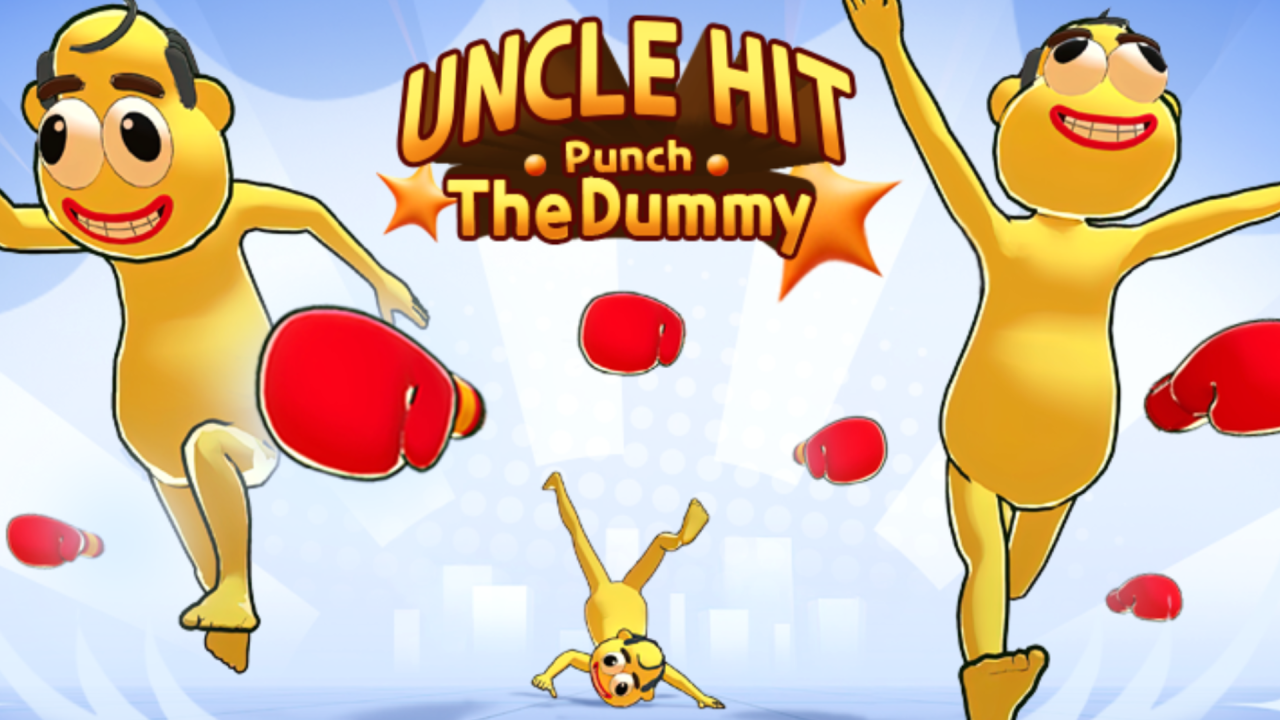
About Uncle Hit: Punch the Dummy
Uncle Hit: Punch the Dummy is a portrait tap game built around quick, direct target hits. The opening level keeps the idea clear: choose the available first card, look for the dummy in the scene, and tap when the game says “Tap to Hit.” There is no need to search for a keyboard shortcut or complicated combo. The useful skill is noticing where the dummy is positioned and making a clean tap rather than hitting randomly.
Choose the open level first
The level selection screen showed one available first card, a second card marked Lv. 50, and two locked cards with optional ad markings. Start with the selected card rather than trying to open a locked option. The first card leads into the standard punching scenes. The lock and ad symbols identify different entry conditions on the other cards.
Tap the dummy to advance
Level 1 placed the dummy in a simple scene with a large Tap to Hit message. One tap on the target completed that opening scene and moved straight to Level 2. The next dummy appeared by a bench; a second tap knocked it away and changed the visible counter from 1 to 2. Those two results make the basic rhythm clear: find the target, tap it once, then read the next scene before tapping again.
Use the changing scenes as your cue
Level 2 changed the dummy’s position and setting, so repeating a screen-coordinate from the first level would not be useful. The Settings gear and red boxing-glove button sit along the left edge. Keep your attention on the target while a punch is resolving. Once the scene changes, check the new position before the next hit; a tap aimed at the previous dummy can miss the current one.
Where to take your timing next
A direct hit makes Uncle Hit quick to understand. If you want a target that rewards adjusting your aim between attempts, Darts Pro gives you a scoring board to work toward. For less predictable rebounds and a shared-keyboard option, Soccer Random puts timing into a short physics-driven football match.
Playing in the portrait panel
Uncle Hit: Punch the Dummy supports desktop and mobile with an English interface and in-game purchases. On desktop, use a mouse click on the target. On a phone, tap inside the tall game panel. The level card opens the live scene, and tapping the dummy moves the action forward. Keep the target visible and wait for the next scene before tapping again. Browse the MubiGames catalog for more short browser games.
For a different kind of ragdoll target, Archer Ragdoll puts an opponent across the screen and gives you a bow. Instead of aiming a punch at a nearby dummy, you hold behind your archer and release along an arrow arc. It suits players who want distance and trajectory to matter more in their next attempt.