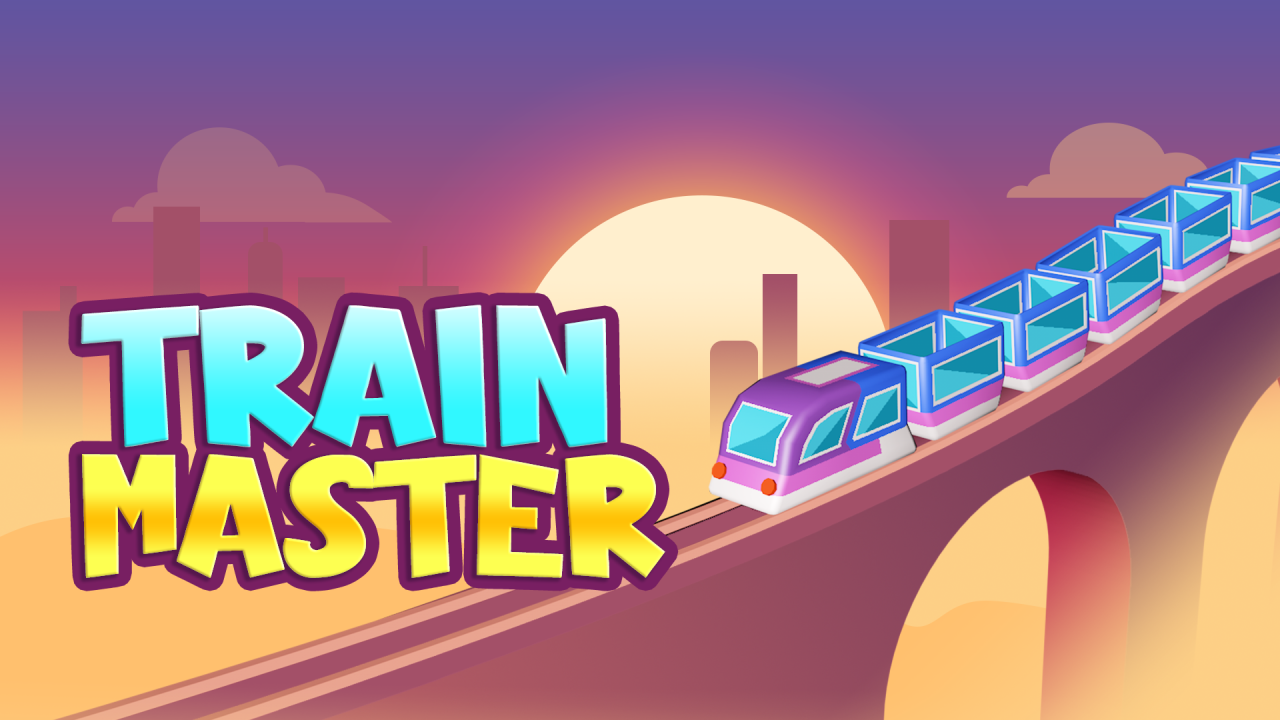
About Train Master
Train Master puts you in charge of when a train moves along a fixed track. The opening route is Level 1 in New York, with a passenger platform beside the rails and a road crossing farther ahead. Hold to accelerate and release to stop. Read the next stretch of track before committing to a long run.
Move, collect, then check the crossing
The Tap & Hold prompt appears over the starting train. On desktop, hold the left mouse button inside the game. On a phone, hold a finger on the play area. The camera follows the train as the platform comes into view, so keep looking ahead of the engine.
The first platform helps you learn the rhythm. Our opening run picked up passengers and showed a passenger symbol with 10 above the train. The passengers were visible inside the carriage after boarding. Watch that feedback before moving toward the road.
Give road traffic room to pass
A road crosses the railway beyond the first platform, and cars move across it. Release your hold while you assess the gap. Hold again when you are ready to move through. The track determines your direction, so you do not steer at each bend.
A gap that is clear when you start can close before the train reaches it. Short holds help you approach the crossing without committing to too much distance at once. The progress bar at the top shows how far you have travelled toward the finish flag. Keep both the approaching traffic and the front of the train in view.
Read the counters before opening Shop
The upper-right corner contains separate cash and purple-gem counters. The Shop button stays on the right of the play area, while settings are in the upper-left corner. Learn the opening stop-and-go sequence before spending rewards. More speed will not replace judging a crossing carefully.
Train speed and capacity can be upgraded. Check the displayed cost and currency before choosing an improvement. The game includes in-game purchases, so read the offer before selecting a purchase or rewarded-ad option.
A different way to move passengers
If you enjoy organising passenger journeys and want a larger transport setting, try Idle Airport Tycoon. Its airport tasks shift your attention from one train’s timing to the facilities passengers use along their route.
Playing on a smaller screen
Train Master supports desktop and mobile, portrait and landscape, with an English interface. In a portrait page, the game appears in a compact horizontal panel. Keep your hold inside that panel and leave the crossing visible. Use the MubiGames catalog when you want another short browser game.