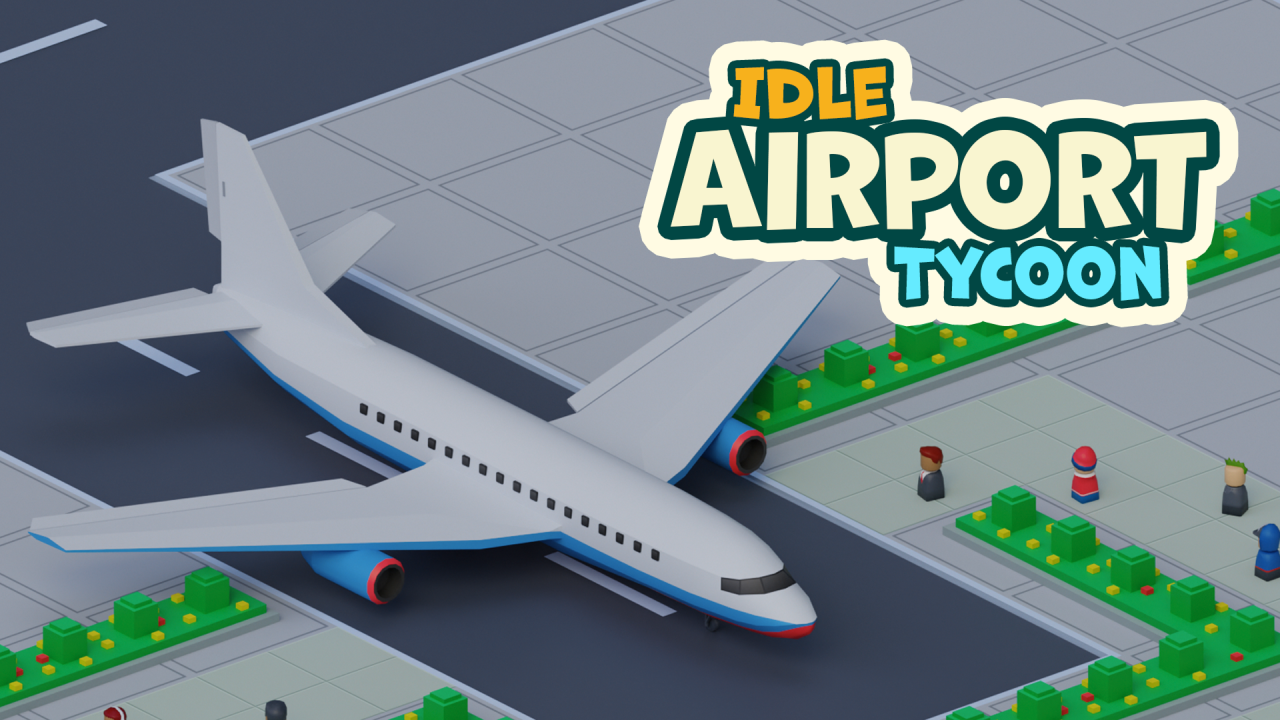
About Idle Airport Tycoon
Idle Airport Tycoon is a management game about turning a small terminal into a busier travel hub. The active airport view combines passenger queues, service areas, aircraft activity, and a set of resource counters, so progress comes from deciding what the airport needs next instead of tapping every button at once.
Follow the opening airport setup
A fresh airport begins with an assistant who asks you to purchase a Metal Detector for security. Follow that opening task before planning around a busy terminal: the first view can look much emptier than an airport that has already developed.
Start with the busiest part of the airport
Look for the place where passengers are waiting or a facility is showing activity before spending currency. A queue near a service point is a useful clue that the airport has a bottleneck. Improving the part that is already under pressure can make the whole layout feel smoother than unlocking a distant feature too early.
During our desktop check, the live map showed passengers moving through terminal areas, cash and gem counters, energy and time indicators, plus a subsidy display. This makes the main loop clear: follow the airport’s visible activity, collect or spend resources carefully, and use each improvement to support the next stage of growth.
Read the aircraft screen before expanding
The Aircraft menu separates Airplanes and Helicopters. In the observed airplane roster, one craft was marked as in flight, several others showed their requirements, and later slots were locked. That layout encourages steady expansion: use the aircraft you already have before planning around a vehicle that is not available yet.
When an aircraft is active, check the rest of the airport instead of assuming the next purchase is the answer. Passenger services, runway access, and the terminal all need to keep pace with the flight side of the operation.
Spend resources with a purpose
The screen keeps several resources visible at once, including normal currency and gems. Treat gems as a separate resource rather than something to spend automatically when a new option appears. If a purchase does not solve a visible queue, unlock a needed service, or help an active flight, wait until its benefit is clearer.
The game also shows optional chest and reward screens. They are not required to understand the basic airport loop. Focus first on the normal airport controls and use optional rewards only when you have decided what improvement they will support.
Idle Airport Tycoon tips
- Use passenger queues to identify the next useful upgrade.
- Keep terminal services and aircraft capacity growing together.
- Check whether a plane is already in flight before changing the roster.
- Save premium currency for a specific improvement rather than a quick impulse.
Game information
Idle Airport Tycoon is a single-player airport-management game for desktop, Android, and iOS. It supports portrait and landscape layouts and offers several interface languages, including English and Spanish. Our recorded desktop session covered the live airport map, passenger flow, resource counters, optional chest screen, and Aircraft menu with airplane and helicopter tabs. Upgrades, aircraft purchases, full flights, and a complete airport build were outside that session.
For turn-based planning instead of managing passenger flow, Master Chess lets you work through a computer match one move at a time. You can also browse the All Games collection for a different kind of browser challenge.
If managing waiting passengers is your favorite part, Cooking Empire turns customer queues into a faster challenge: you prepare picture orders before patience runs out instead of planning terminal capacity.
Passenger flow takes a more immediate form in Train Master. You control one train with a hold and release, collect people at a platform and judge when to move across a road. It is a shorter timing challenge to switch to after working through airport tasks.