About Master Chess
Master Chess is a classic board game with a useful choice of ways to play from its opening screen. Its mode menu offers online multiplayer, a local challenge on one device, computer training, chess problems and game analysis. For a straightforward first game, the training option is the clearest place to begin because it lets you choose your side, a time setting and a difficulty before the board appears.
Set up a match that fits your pace
The training setup has three piece-colour buttons, several clock choices and four visible difficulty levels: beginner, amateur, professional and master. Start at beginner if you want time to check the board, especially when returning to chess after a break. Pick a short clock only when you are comfortable making decisions quickly; a timer turns a calm opening into a much more demanding game.
Read the board before making a move
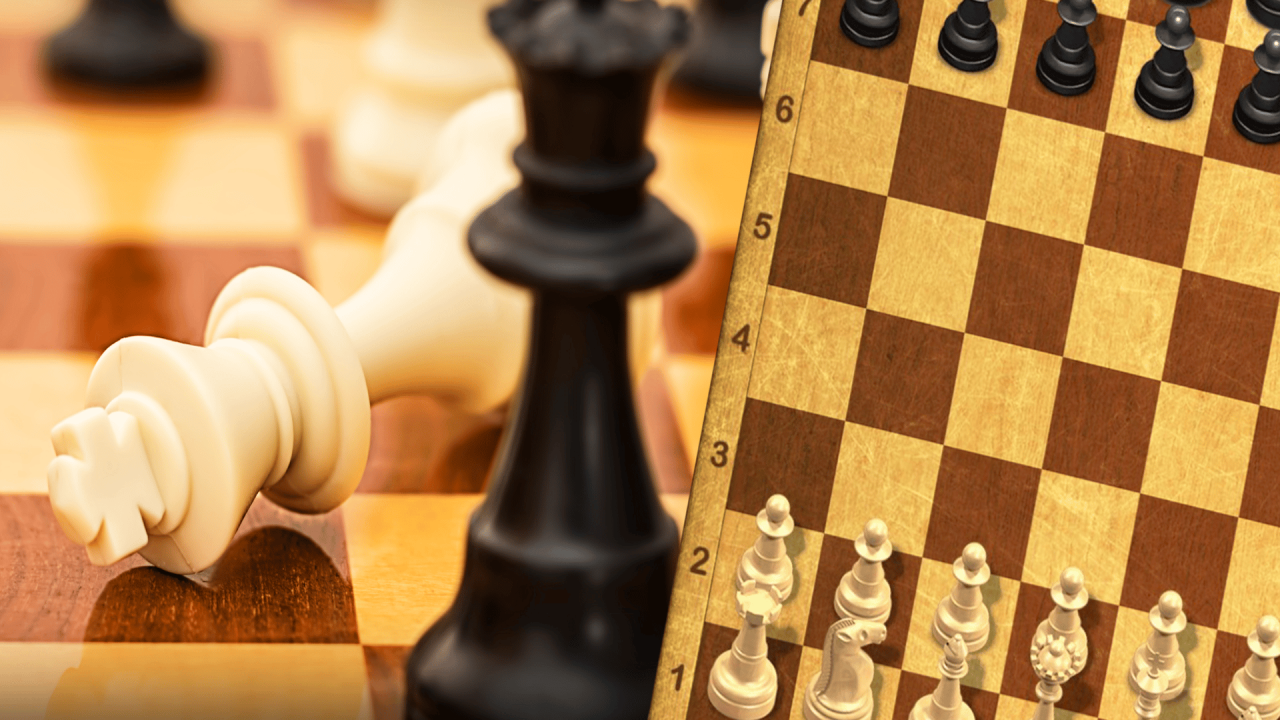
The board uses coordinates around its edges, with letters A to H along the bottom and ranks numbered one to eight. With White selected, the white pieces begin at the bottom in the standard position. In our recorded desktop check, selecting the white pawn on E2 and choosing E4 made the legal two-square opening move and highlighted the chosen route. That is a simple way to claim central space while opening lines for the queen and bishop.
The follow-up training check confirmed a useful second step: after E2–E4, wait for the computer to reply before selecting another white piece. A G1–F3 knight move then worked at mobile width. Select the piece and its destination separately; repeatedly tapping the piece itself does not choose a new square.
What are you trying to achieve?
The aim is checkmate, not simply collecting the most pieces. Before each move, check whether your king is threatened, whether the piece you want to move is protected, and what reply you are allowing. The central pawn opening gives your pieces room, but it does not guarantee a safe position or a winning attack.
Use the mode menu for a specific goal
The main menu separates a full match from practice. Choose training for a computer opponent, local challenge when two people are sharing a screen, and chess problems when you want a focused position rather than a complete game. The menu button remains available beside the board, while the side panels show the players and material status.
Master Chess tips
- Use beginner difficulty for your first familiarisation game.
- Check the coordinates before committing to a move.
- Develop pieces and protect the king rather than chasing an early capture.
- Choose chess problems when you want short tactical practice.
Game information
Master Chess is a strategy board game for desktop, Android and iOS. The current training check reached a legal opening and a second move after the computer replied. The game displayed French menus in our session; the available labels included Entraînement for training and Débutant for beginner. Online matchmaking, local two-player play, puzzles, analysis and a complete match were outside these recorded training checks.
For a different kind of board planning, Backgammon combines legal-move choices with a fresh dice roll. It suits players who want to weigh changing options instead of calculating a chess position with fixed piece movements. Browse the All Games collection for the rest of the library.