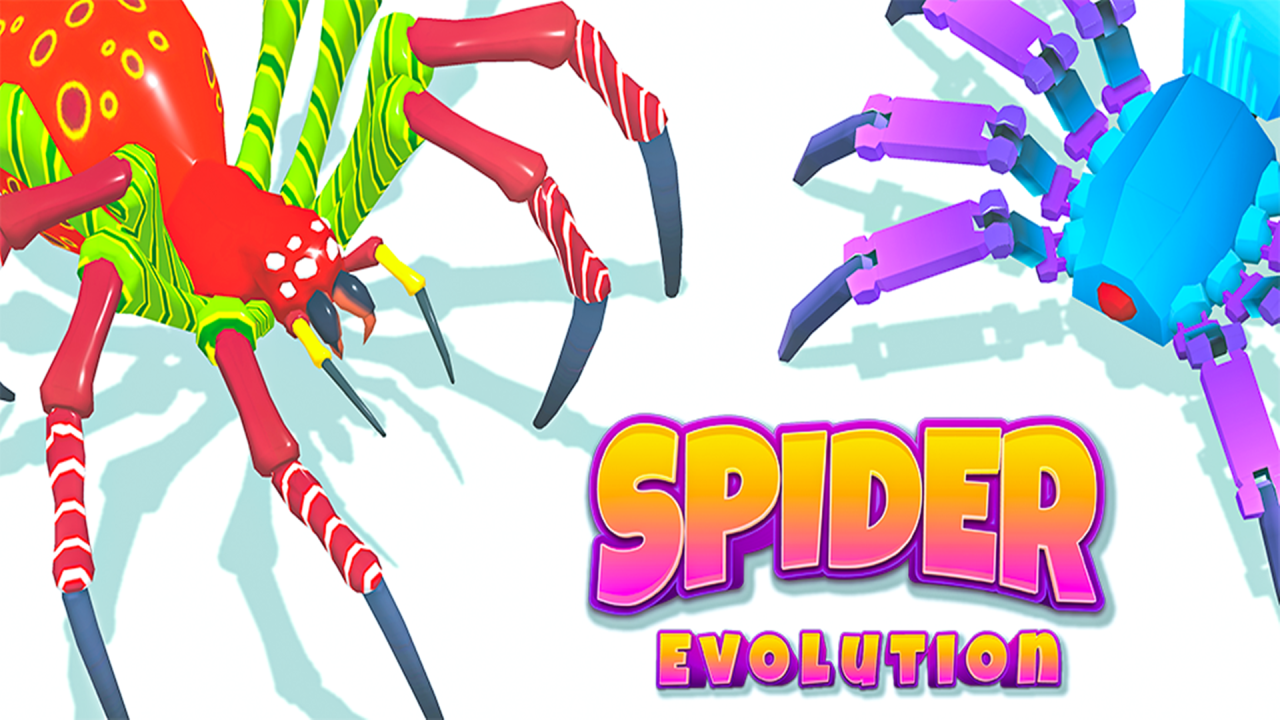
About Spider Evolution
Spider Evolution is a forward-running arcade game where your job is to keep a small spider on the useful part of the track. The opening Level 1 lane contains level-marked spiders ahead, a coin total, and large Upgrade and Speed panels on either side. Rather than treating it as a button-mashing race, use the first route to understand the left-and-right movement before spending the starting currency.
Move sideways with A/D or the arrow keys
The on-screen tutorial gives two keyboard choices: the left/right arrow keys or A and D. It also shows mouse control for moving left and right. After starting the run, we used D to steer across the opening route and continued through it to the finish. Use short corrections to stay on the useful part of the lane. Forward movement continues as you steer, so line up your approach before reaching a group.
Read the starting lane before upgrading
At the start, the spider carries a 01 lvl label and other level-marked spiders appear farther up the path. The left Upgrade card and right Speed card both displayed Level 01 with a 30-coin cost, while the opening counter showed 50 coins. With 50 coins, the two visible 30-coin choices compete for your starting budget. Learn the lane first, then decide which improvement to inspect. Check the current price before spending because the opening cost may change as an upgrade advances.
Read the multiplier track after the finish
The checkered finish leads into coloured multiplier sections. Our run passed the ×3 and ×4 labels, with higher sections visible ahead. Watch the finish sequence rather than assuming every part of the track gives the same result.
The next panel displayed New Weapon Unlock! at 25%, an optional Claim button marked AD, and No Thanks. The percentage records progress toward an unlock. It does not show a completed unlock at that point. Use No Thanks if you want to continue without selecting that ad offer.
Change the kind of route
For a course where the surface and edges matter more than collecting level-marked creatures, try Rolling Balls Sea Race. You guide a ball along a raised route and recover after a fall. Snake 2077: Glitch War offers another movement-and-growth challenge when you want a different pace.
Desktop controls and game information
Spider Evolution supports desktop play in a landscape panel with an English interface and in-game purchases. Use A/D, the left/right arrow keys, or sideways mouse movement to steer. Its current game record lists desktop support only. Browse the full game catalog when you want to choose a title with mobile support.