About Online Car Destruction Simulator 3D
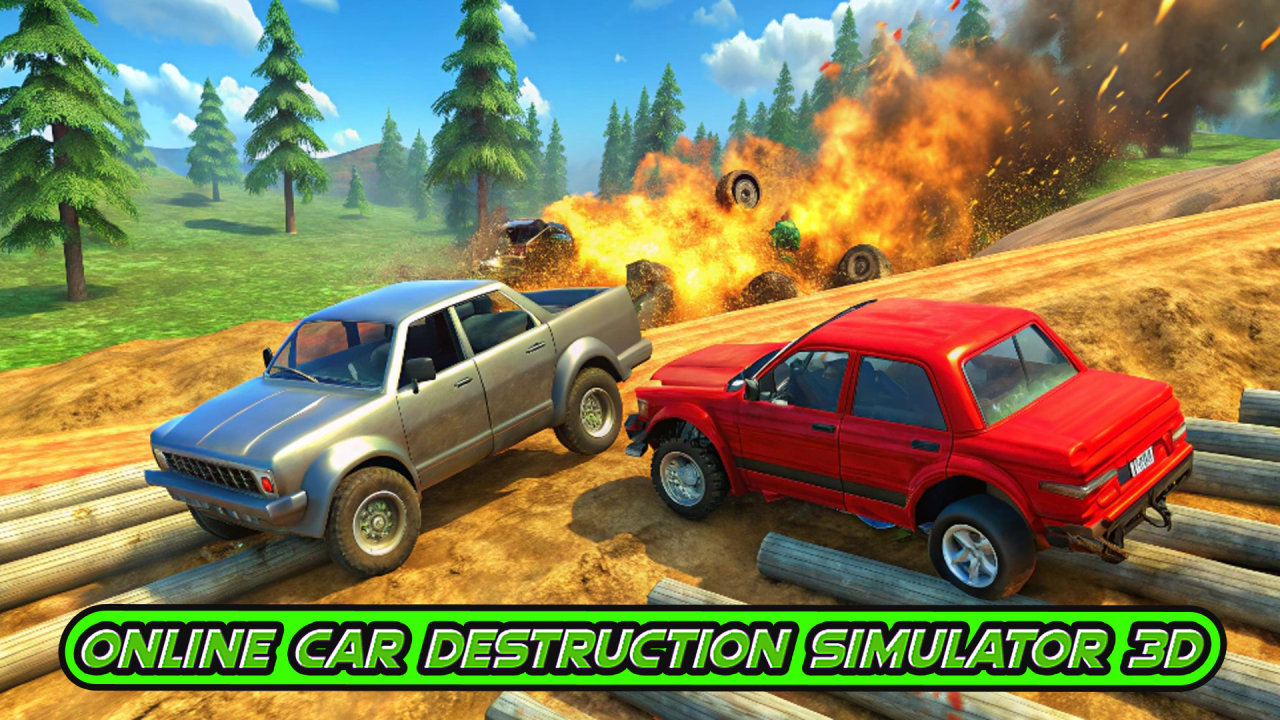
Online Car Destruction Simulator 3D is a free-driving crash sandbox with no finish line to chase. Its opening arena is a white test room packed with striped ramps, stacked blocks and several damaged cars, which makes it a good place to set up one collision at a time. Choose a vehicle, pick one obstacle, and use a controlled approach before trying to turn a bigger jump into a pile-up.
Build a crash instead of rushing it
The useful loop here is experimentation. A straight approach reveals how a car reacts to a wall or ramp; changing camera can make the landing easier to judge. Nitro is best saved for a deliberate long run rather than every start, while the handbrake helps when you want to pivot into a barrier. If an impact leaves the car in an awkward state, repair it, reset it, or switch to another car and start a fresh test.
What the opening arena makes clear
The active menu places Play, Settings and Update over the test area, with a compact control guide for car selection, slow motion, free camera, repair, flip and camera changes. That tells you what kind of session to expect: there is room to experiment with approach angle and speed rather than follow a scripted race. Slow motion is especially useful after a hard landing when you want to watch the result rather than immediately line up the next obstacle.
Make each restart answer a question
A useful way to avoid repeating the same crash is to change only one part of the setup. Keep the same car and try a wider entry to a ramp, then repeat it with a tighter turn; or keep the route and change from normal speed to nitro. If the car flips before reaching the obstacle, reset it instead of judging the obstacle from a failed approach. If the impact is the part you want to compare, repair the car before a second attempt so previous damage does not make the result harder to read.
When another crash game fits better
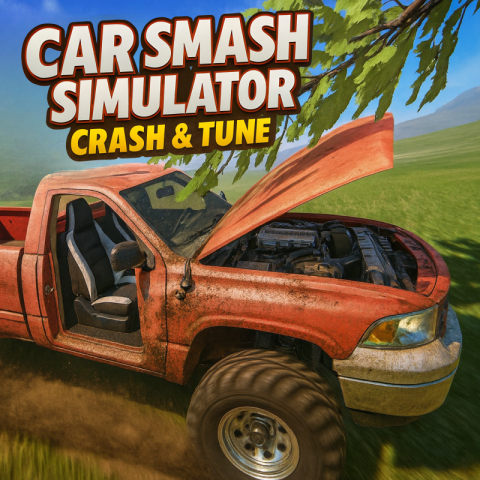
For a more contained crash challenge after an open test room, try Car Smash Simulator: Crash & Tune. Both games put vehicle damage at the centre, but this one gives you a broad obstacle arena and utility controls, while Car Smash Simulator: Crash & Tune adds a garage-and-tuning rhythm. Explore the wider collection in Racing Games.