About MR RACER Stunt Mania
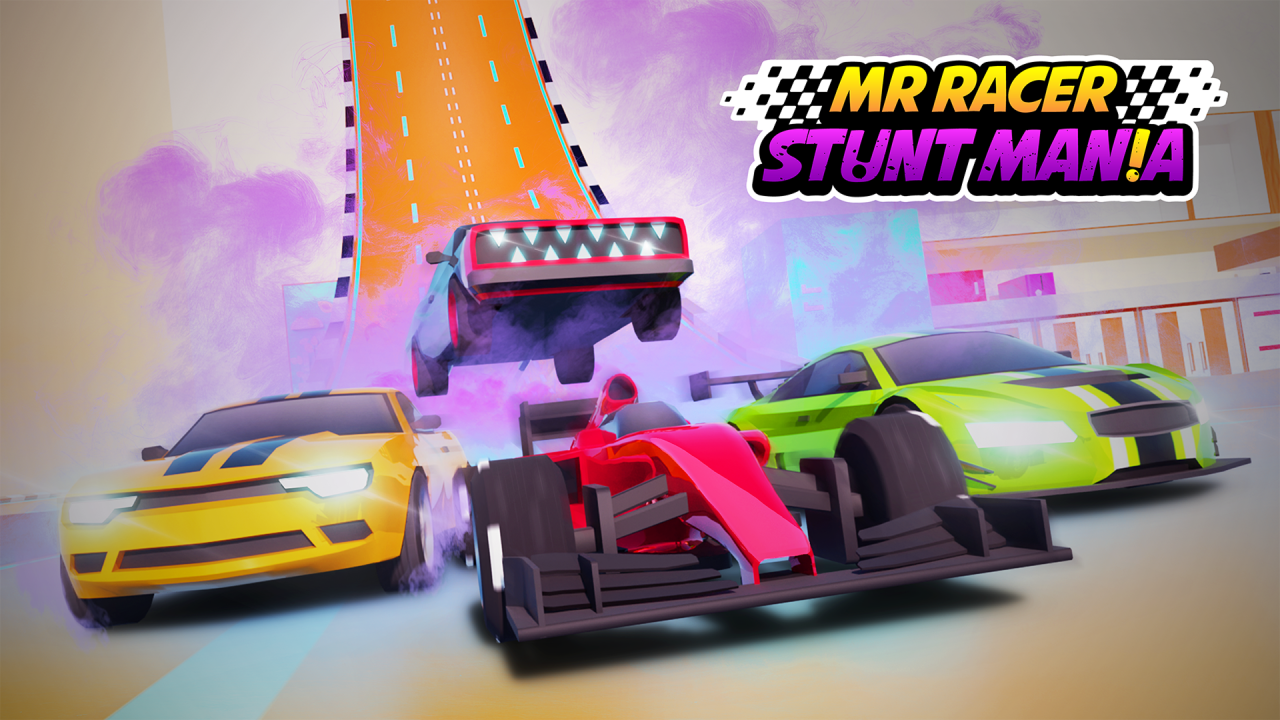
MR RACER Stunt Mania is a level-based arcade racer where keeping momentum matters as much as landing a jump. The opening how-to-play screen makes its desktop inputs unusually clear: accelerate with W or Up, steer with A/D or the arrow keys, start a race with Space, trigger nitro with N, and pause with Tab. The courses lean into toy-like stunt tracks, so looking ahead is more useful than steering at the last moment.
Race the ramp, not just the other cars
Each level puts you up against five AI opponents, but an obstacle or bad landing can cost more time than a cautious line. Accelerate early on a clean straight, then make your steering correction before the ramp rather than while the car is already airborne. The race format also supports practical upgrades: handling, acceleration and top speed serve different needs, so a difficult turn is not automatically solved by choosing more speed.
Learn the opening controls first
The live tutorial presents keyboard and mouse options together. W or Up accelerates, A/D or Left/Right turns, Space starts the race, and N activates nitro. With a mouse, holding the button accelerates while left-right movement steers. That is enough to begin a short first attempt: pick a stable line through the first ramps, avoid forcing a late turn, and use nitro when there is open room to benefit from it.
Playing with a phone instead of a keyboard
On mobile, tap and hold to accelerate, then swipe left or right to steer. The important adjustment is to keep the movement small: a long sideways swipe is not a substitute for lining up the car before a ramp. Use the opening straight to learn the response before trying to steer and boost together. If your finger hides the next obstacle, move your attention farther up the track rather than waiting until it reaches the car.
Choose upgrades for the mistake you are making
Handling is the sensible place to start if ramps, barriers or a late steering correction keep sending the car off line. Acceleration matters when the car reaches a jump without enough momentum, while top speed has more value once you can already hold a safe route. The themed courses are not just decoration: each one changes what you need to read ahead, whether that is a ramp, moving hazard, narrow lane or obstacle. Finish a section cleanly first, then decide which upgrade solves the actual problem rather than buying speed by default.
A racing follow-up with a different focus
MR RACER Stunt Mania suits players who enjoy keeping a clean line through ramps while racing other cars. For a different kind of anticipation, try Motorcycle Racer: Road Mayhem: choosing a safe gap replaces landing a jump. Browse the Racing Games collection to switch between the two styles.
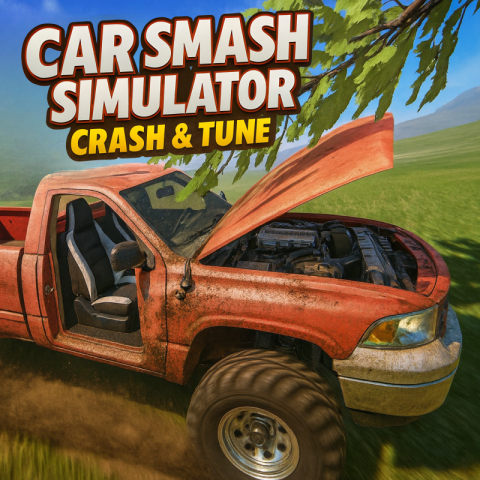
If you would rather repeat a jump without competing for position, Car Smash Simulator: Crash & Tune gives you a driving sandbox for setting up an approach and inspecting the resulting damage.