About Police Chase Simulator
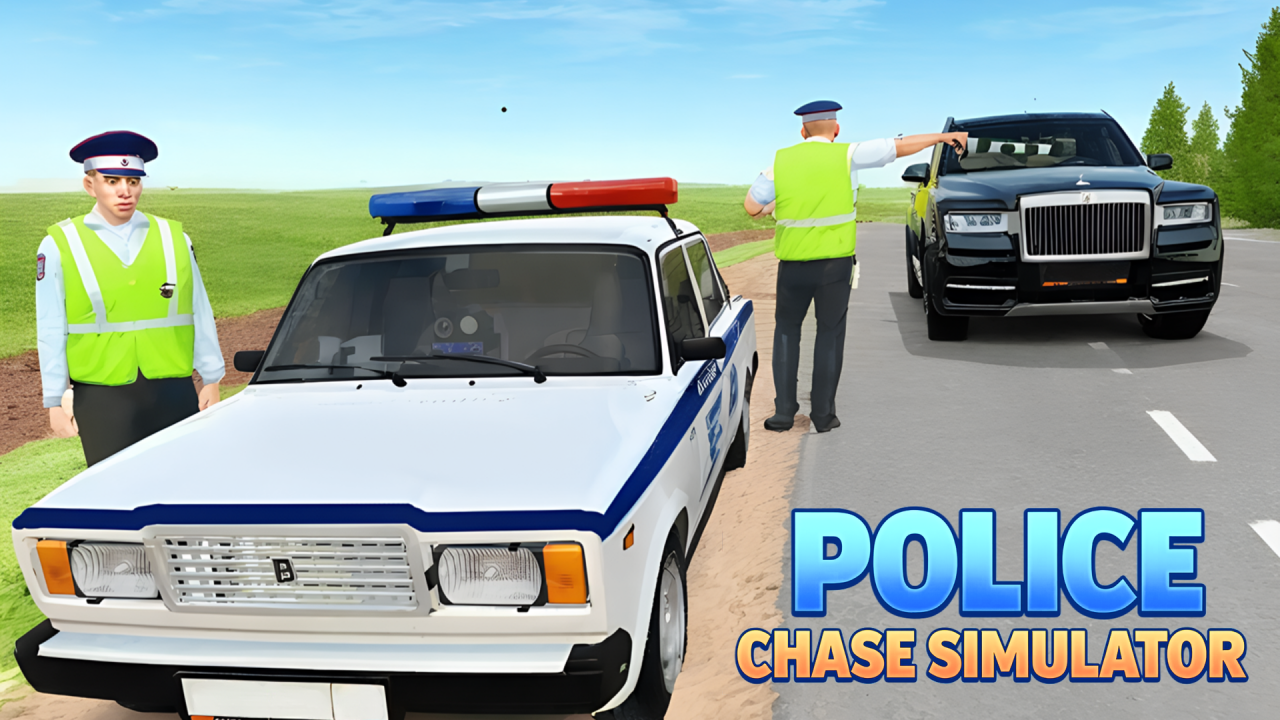
Police Chase Simulator is a driving sandbox that lets you decide whether a session should feel like a race or an experiment. Its opening garage shows the selected starter car, a central Play button, car selection and a tuning option before the road begins. Before driving, the game offers several maps, including a city, countryside, moon setting and a prop-filled test area, so the most useful choice is to select the kind of route you want before pushing for speed.
From the garage to the road
Press the large triangular Play control, choose a map card, then choose Sandbox or Race. Our city-map check reached this two-mode choice before loading the road. W accelerated the starter car and D turned it; a click on the pause icon opened sensitivity, graphics and main-menu options. Learn that short route through the menus first so returning to a different map does not feel like starting from scratch.
Pick a map for the kind of run you want
Racing gives you a reason to keep a clean line; sandbox driving gives more room to try ramps, presses and obstacles. The city and countryside are suited to longer driving lines, while the test area is the better fit when you want to see what a hard impact or obstacle does. Camera changes, a handbrake, nitro and slow time give you ways to shape a run without needing to restart every time something goes wrong.
Start with a simple driving plan
Use W/A/S/D to get the car moving and steer through the first open section. Space gives you a handbrake, Shift activates nitro, and C changes the camera. If the vehicle ends up badly placed after a collision, R resets it and K restores it. The garage also makes tuning part of the setup: paint and wheel adjustments are available before you commit to a map, so choose the vehicle look and route first, then test how it handles.
Mobile controls and a clear view
On a phone, use the driving controls in the game interface and play in landscape orientation. Pick the map and mode before trying to accelerate. Start with small steering corrections on an open stretch, then learn the extra action icons without combining everything at once. The pause menu includes sensitivity and graphics settings; use those options if the steering response or visual detail makes it harder to read the road.
Use the modes to set a clear goal
Choose racing when you want the route itself to judge your driving: avoid wasting speed in a turn and keep the car stable after an obstacle. Choose sandbox when you want to test an area without treating every collision as a failed run. The moon map changes the setting from the city and countryside, while the test area is the natural place for ramps, presses and props. Slow time can make a difficult impact easier to observe, but a reset or restore is usually quicker when your next goal is simply to try the same section again with a cleaner line.
When a different driving challenge makes sense
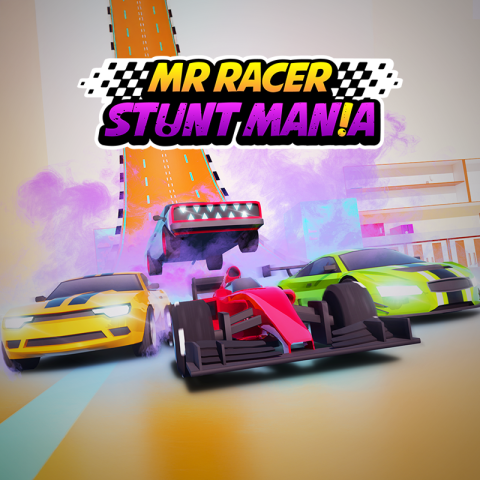
If your favourite part is keeping the car straight for a jump, MR RACER Stunt Mania offers ramp-focused races against computer rivals. Stay here when you want to choose a map and shape your own drive; switch to the stunt racer when you want a more directed course. Find both styles in the Racing Games collection.
If you want your next drive to focus on ramps and damaged vehicles, Realistic Car Crash King offers a crash-test area with room to line up an approach. The repair and car-switch controls make it easy to set up another attempt after a landing.