About School Of Basketball
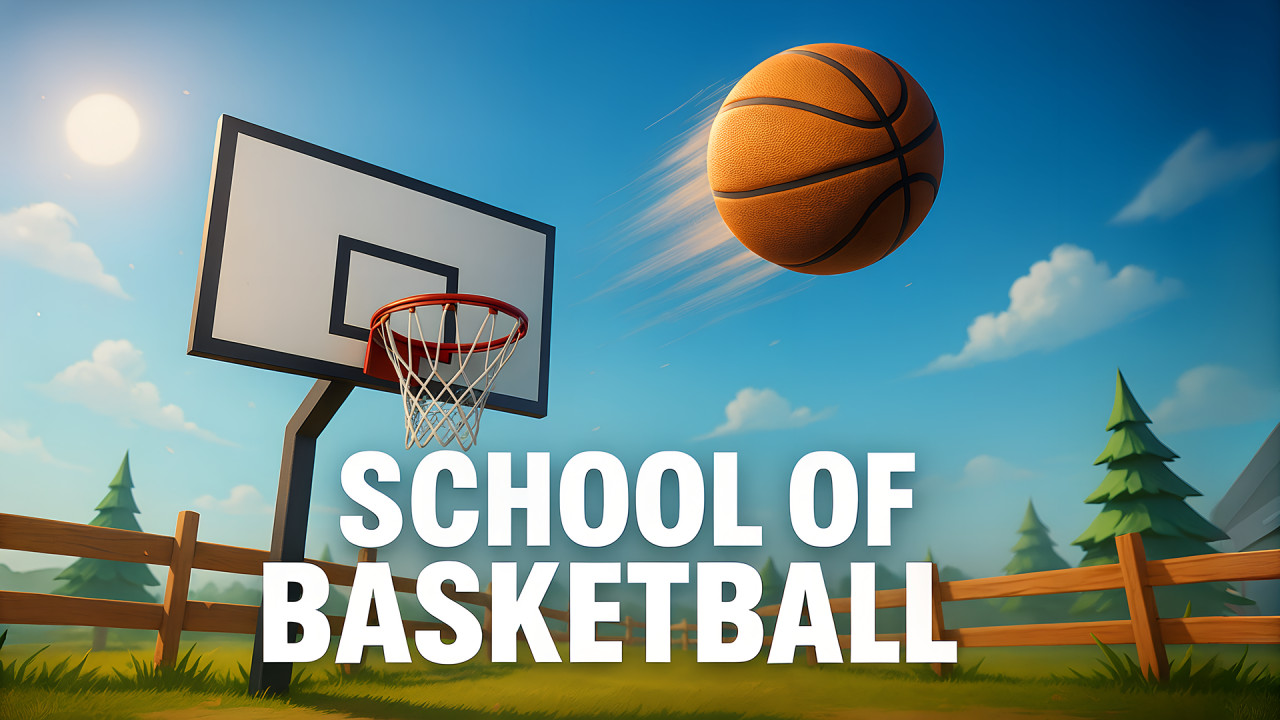
School Of Basketball is a quick shooting challenge built around a moving basketball, a single hoop, and the decisions you make before each release. The opening scene places the basket to one side of a wide outdoor court, so a successful attempt depends on judging both direction and the height of the ball’s path.
Read the hoop before shooting
Take a moment to see where the ball begins and where the hoop sits. A direct-looking line is not always enough: the ball needs room to rise and descend into the basket. Start with a controlled drag instead of the biggest possible throw, then use the result to decide whether your next shot needs more height or a different angle.
Our desktop check reached the live court with a visible best-score counter. Dragging the ball sent it across the court toward the hoop, confirming the aim-and-release loop. The two short attempts did not add a point. In a later Arcade check at a 390px browser width, one drag launched a ball and the remaining-ball counter fell from 10 to 9 while the score stayed at zero. That makes careful adjustment more useful than repeating the same gesture.
Change one part of the shot
When a ball misses, avoid changing everything at once. Keep a similar release length and alter the direction slightly, or keep the direction and change the height. This gives you a clearer idea of what the game is responding to and prevents an early miss from becoming a string of unrelated guesses.
A shot that travels below the rim needs a different correction from one that passes high or wide. Treat the basket as a target with a small useful window, then make the next gesture deliberate rather than fast.
Choose a mode that matches your goal
The game lists Arcade, Time Attack, and Distance modes. Arcade starts with ten balls, and its opening rule screen says the round ends when the supply is spent. A missed shot uses one ball without adding to the score, so each release matters. Time Attack shifts the focus to scoring before the clock runs out. Distance adds a changing shot range, making repeatable release control especially important.
Begin with the mode that gives you enough time to learn the ball’s arc. Once your basic shot is reliable, a time limit or increasing distance becomes a more interesting way to test it.
School Of Basketball tips
- Watch the gap between the ball and the hoop before releasing.
- Use a modest first shot to learn the arc.
- Adjust direction or height separately after a miss.
- Save fast experimentation for Time Attack after the release feels familiar.
Game information
School Of Basketball is a single-player basketball game for desktop, Android, and iOS. It uses a horizontal layout and an English-language interface, with no in-game purchases listed. The MubiGames Team reached the opening court, observed drag-based ball movement on desktop, and launched one Arcade shot at a narrow browser width. That shot used one of the ten starting balls without scoring; a full session and the other modes were not exercised.
Find more aim-and-score challenges in the Sports Games collection. For a target game with a different release rhythm, try Darts Pro.