About Archer Ragdoll
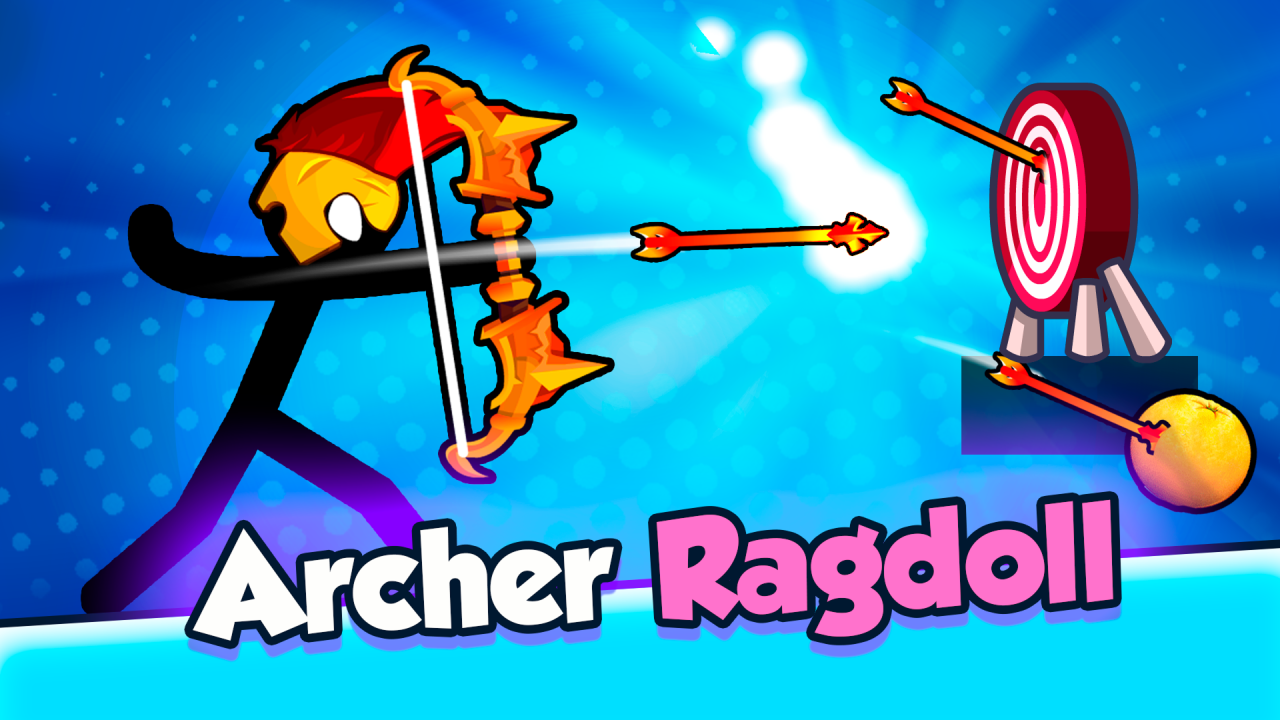
Archer Ragdoll is a one-screen bow duel built around a simple choice: draw the bow, set an arc and release before the opponent does. The opening match begins in Wave 1 with your archer on the left, an opponent across the scene, gold and skull counters at the top, and a target indicator showing two opponents. Its ragdoll look makes the shot feel less predictable than a fixed bullseye game, so a measured opening release is more useful than rushing.
Draw from behind your archer
Use the highlighted left side of the play area. Click and hold just behind your archer, move to set the aim, then release to fire. You do not need to pull in a perfectly horizontal line; think about the height of the arrow and the space between the two fighters.
Use the first attempt to judge the arc
The opening field shows a large moon backdrop, the opposing archer and a small Wave 1 progress strip. In our short first attempt, one shot led to the Defeat screen before any score was earned. A failed opening shot is useful feedback: watch whether the arrow passes above or below the rival, then change one part of the next draw. Repeating the same swipe without looking at its path gives you little chance to correct the miss.
Choose appearance before the round
Before pressing Play, the menu lets you choose a helmet and a bow. The default “No Helmet” option was visible, while other helmets showed locked states. A trophy button, gold counter and a reward-style video icon also appear in the opening menu. Start with the available equipment and learn the firing gesture before exploring the locked choices. The optional video button is separate from the main Play button; entering the duel does not require selecting that reward option.
Practice your release with a cleaner target game
For a more traditional aiming challenge after the ragdoll duel, Darts Pro is a useful companion. Archer Ragdoll asks you to judge a moving duel and an arrow arc; Darts Pro narrows the focus to lining up throws at a numbered board, which can help players who want to work on release timing without an opponent on screen.
Playing on a smaller screen
On a phone, turn the screen sideways to give the two archers more room. Touch and hold behind your archer, adjust the aim and lift your finger to release. Keep the gesture inside the game area so a page scroll does not interrupt your aim. The game interface is in English and in-game purchases are available. Learning the starting bow first gives you a clear reference for later equipment changes. Browse the Arcade Games collection for more short skill challenges.